


 Stardew Valley
Connecting to your Stardew Valley server takes less than a minute once you know where to look. This guide covers finding your server's connection details and joining through the in-game Co-op menu.
Step 1: Find Your Server's Connection Address
Your server's connection address is shown right on your MintServers panel - you'll need it to connect.
- Log into your MintServers dashboard and open your Stardew Valley game panel.
- On the Console tab, note the address shown near the top of the page (formatted as
address:port, e.g.15.235.165.191:25916).
Step 2: Join From the Co-op Menu
With your connection details in hand, joining is just a few clicks in-game.
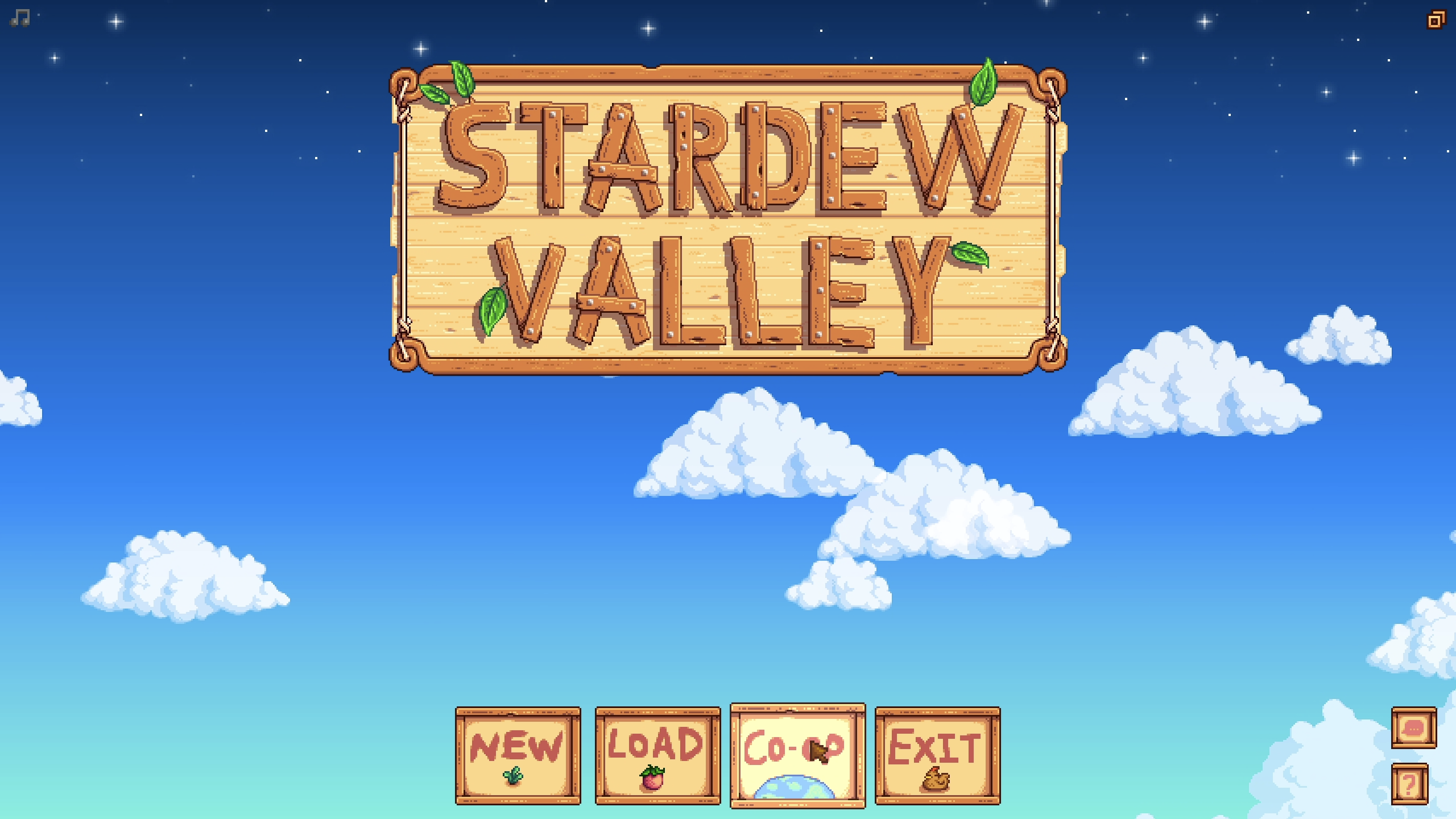
- Launch Stardew Valley and choose Co-op from the title screen instead of New or Load.
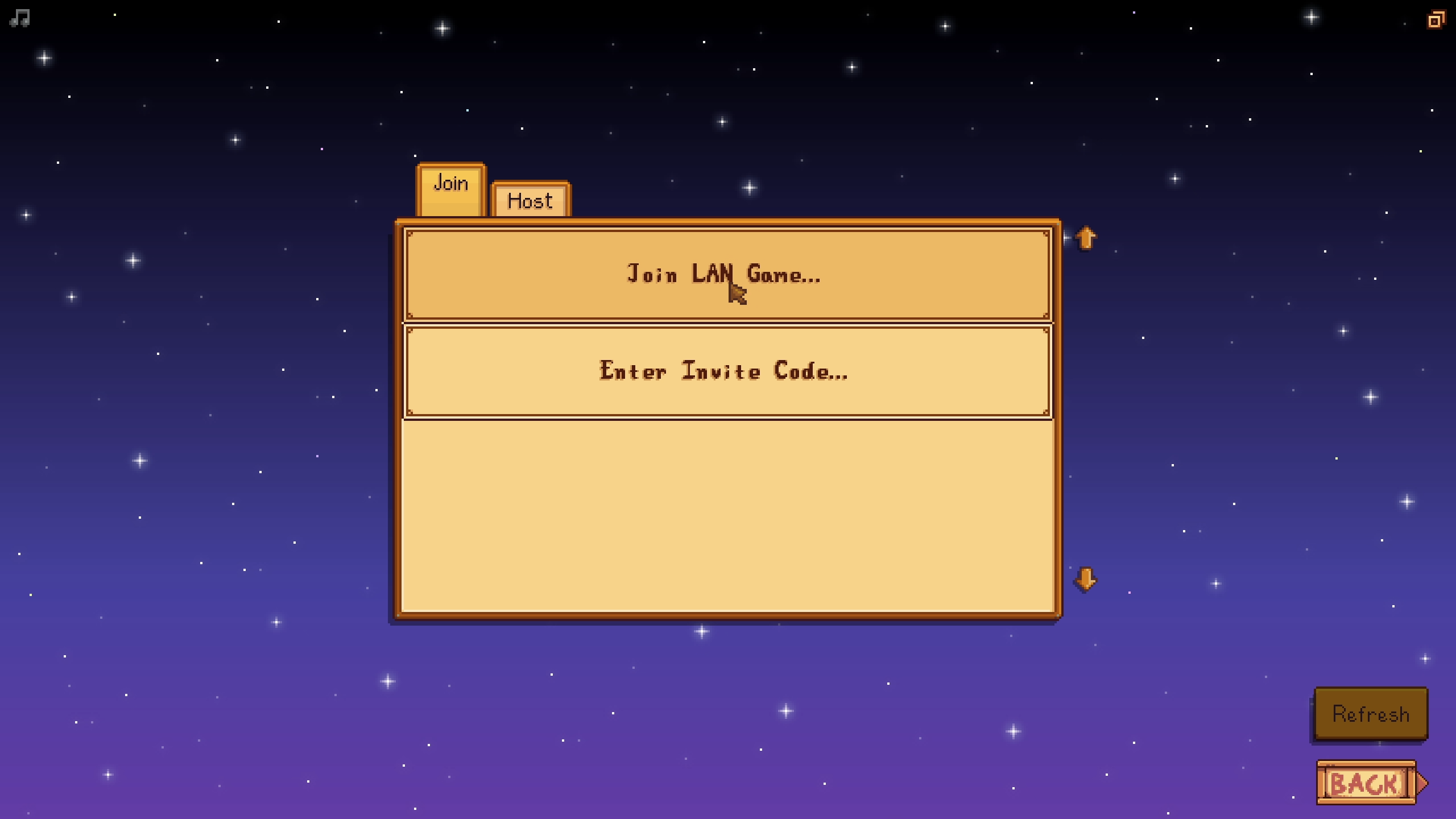
- Click Join LAN Game.
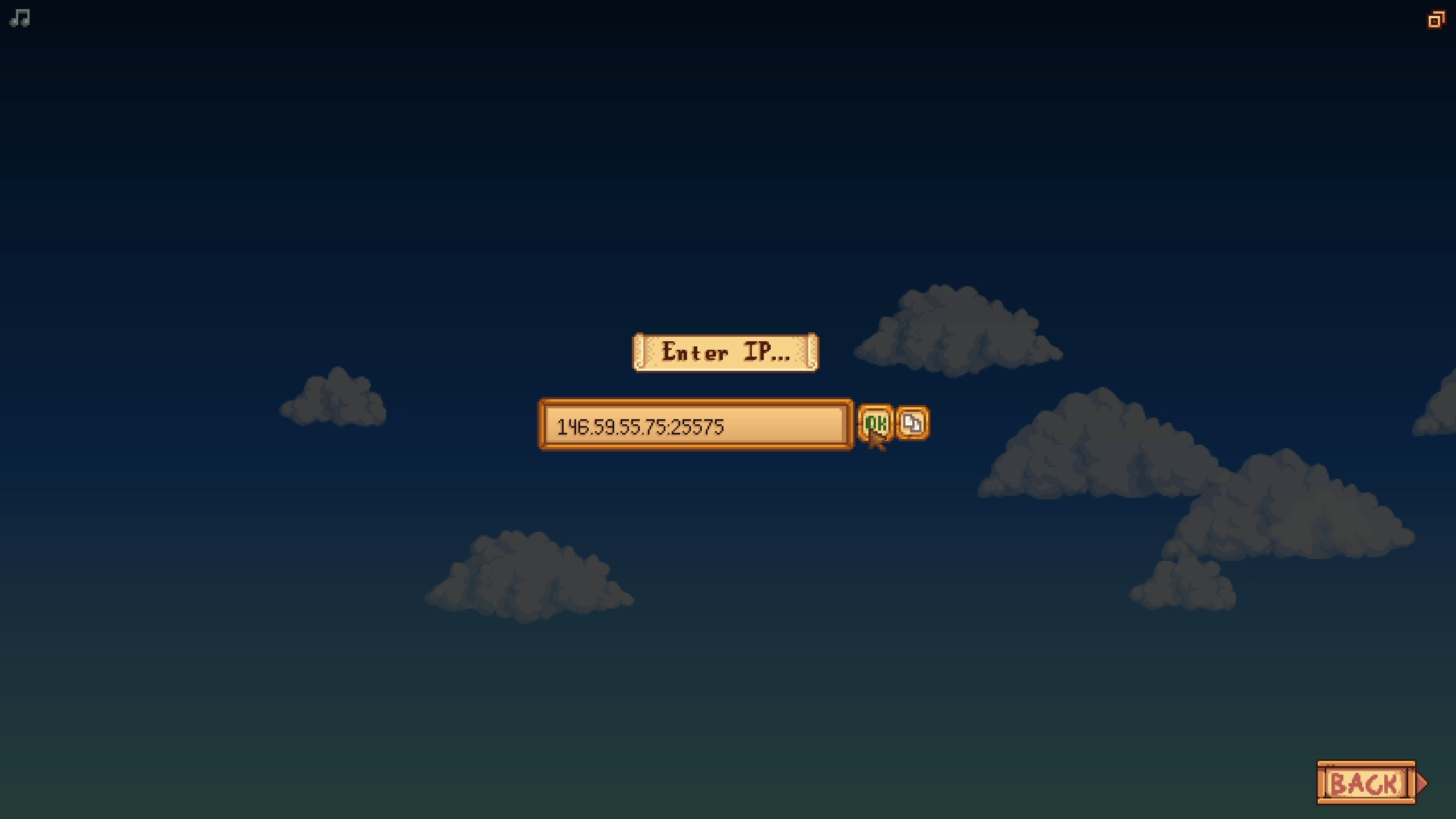
- Enter your server's connection address from Step 1 (the full
address:portvalue) and click OK.
🛠️ Troubleshooting Connection Issues
Can't connect:Double-check you copied the full address exactly, including the colon and port number, with no extra spaces.Connection times out:Make sure your server shows as fully Started on the panel - a stopped or still-starting server won't accept connections.Still stuck:Stardew Valley's direct-IP multiplayer runs over UDP, so check that your antivirus or router isn't blocking outbound UDP traffic.- Everyone connecting needs their own legitimate copy of Stardew Valley on PC (Steam or GOG).
That's it - you'll land right on the farm. If you're bringing over an existing single-player save instead of starting fresh, check out our Upload an Existing Save guide first. If you run into any trouble connecting, no worries! Just open a support ticket and our team will get you online.