



 Romestead
Connecting to your Romestead server is quick and easy! Whether you are jumping in for the first time or returning to your world, you just need your server's IP address and port from your MintServers game panel.
Follow these simple steps to join your multiplayer session.
Steps to Connect
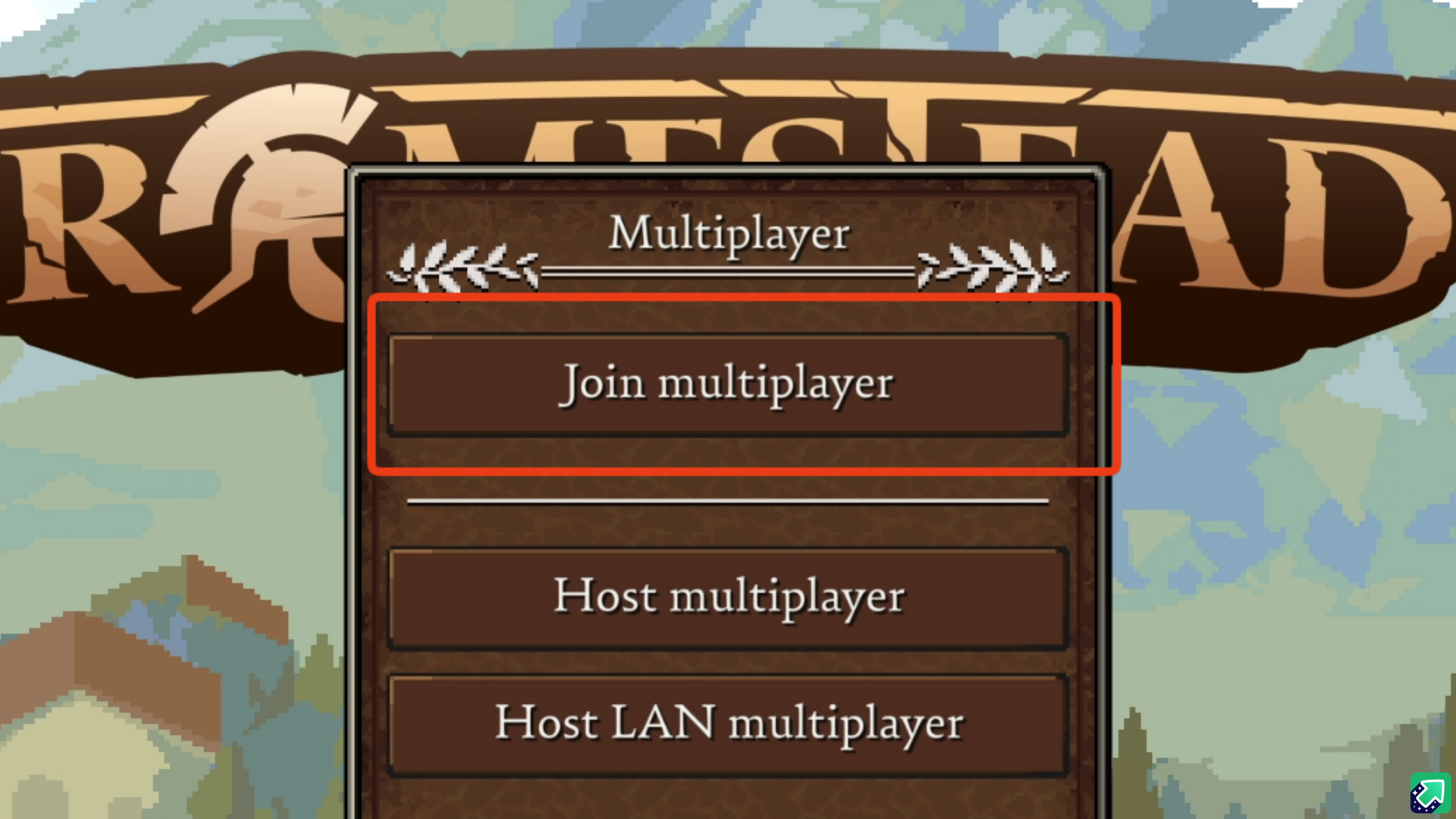
- In the main menu, select
Multiplayer. - Click on the
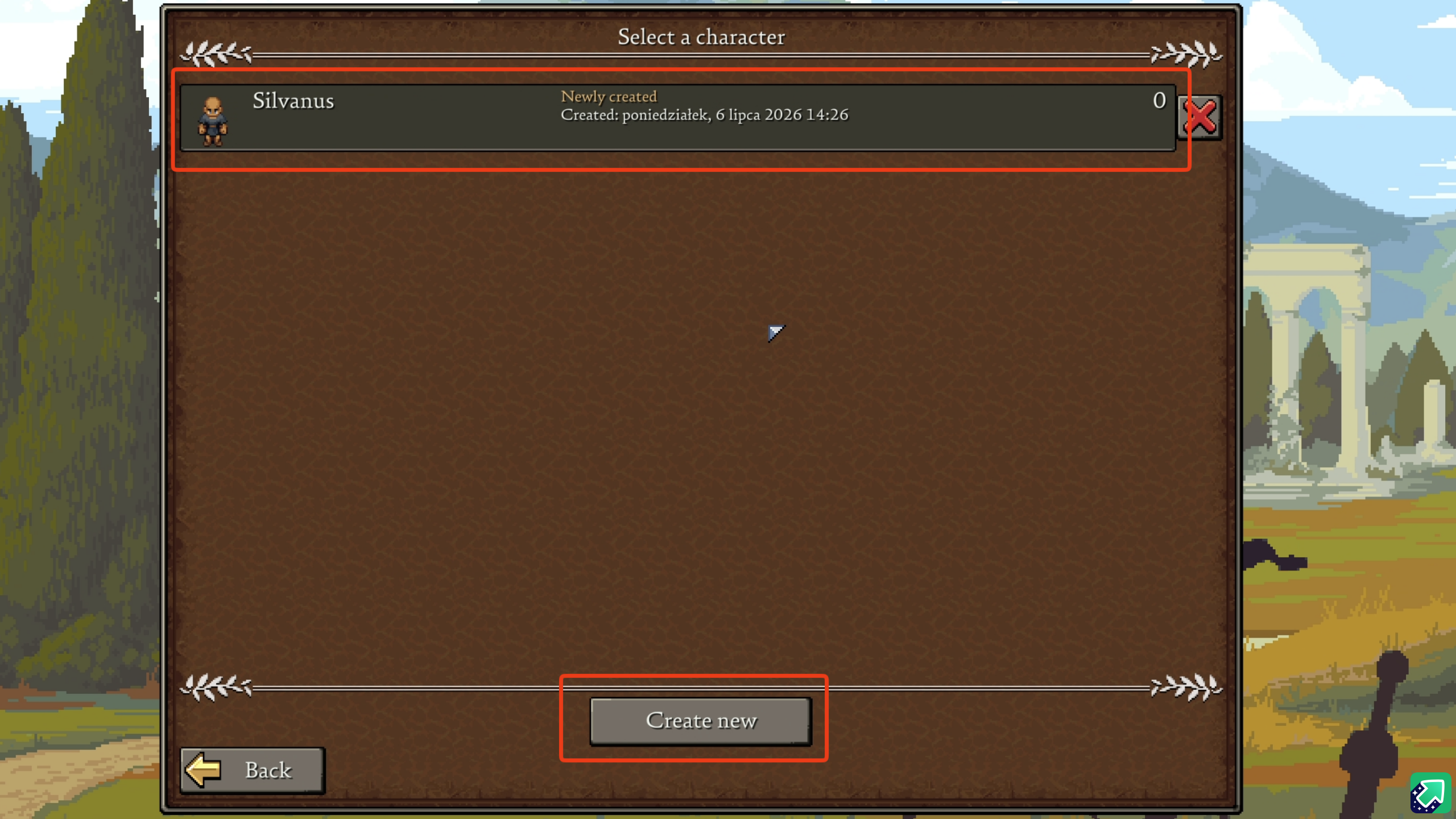
Join multiplayerbutton. - Select your existing character or create a brand new one.
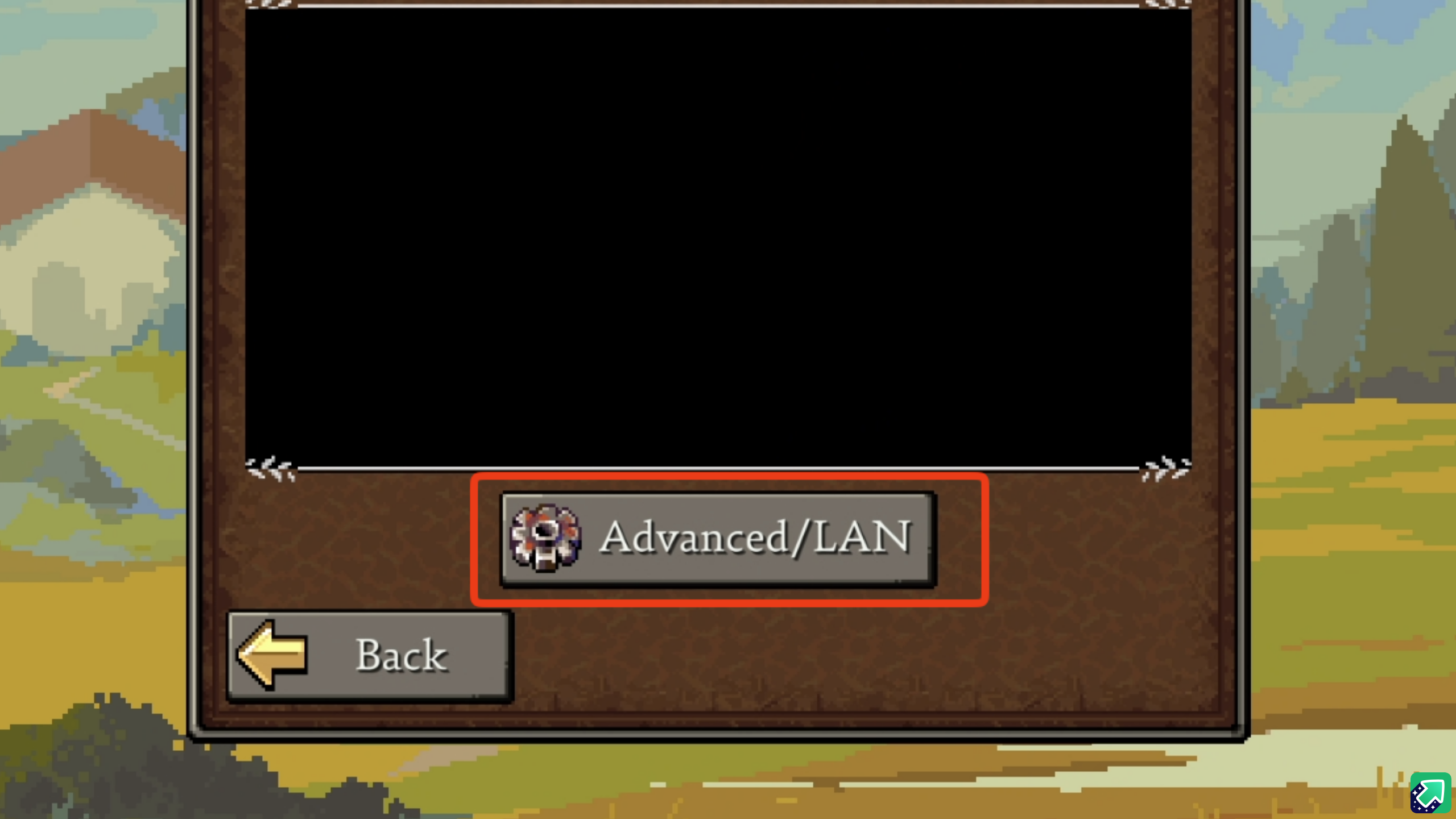
- Click on
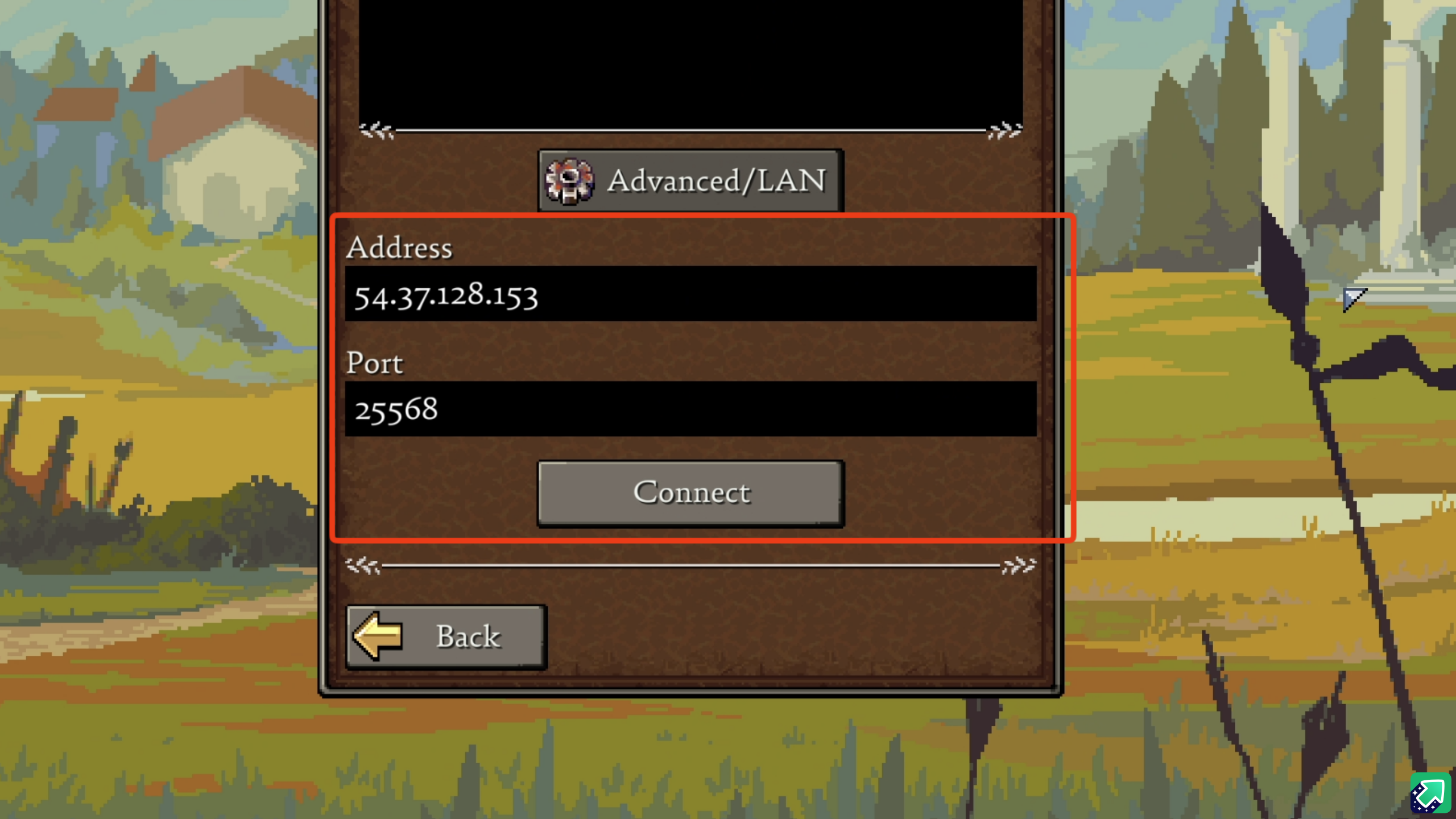
Advanced/LAN. - Fill in your server IP and port into the boxes, and click
Connect!
Troubleshooting Your Connection
If you are having trouble connecting, double-check that you copied the IP and port exactly as they appear in your MintServers panel. Ensure there are no accidental spaces at the beginning or end of the numbers!
No worries if you are still stuck! Just open a support ticket and our team will gladly jump in and help you get connected to your server.