



 Minecraft Java
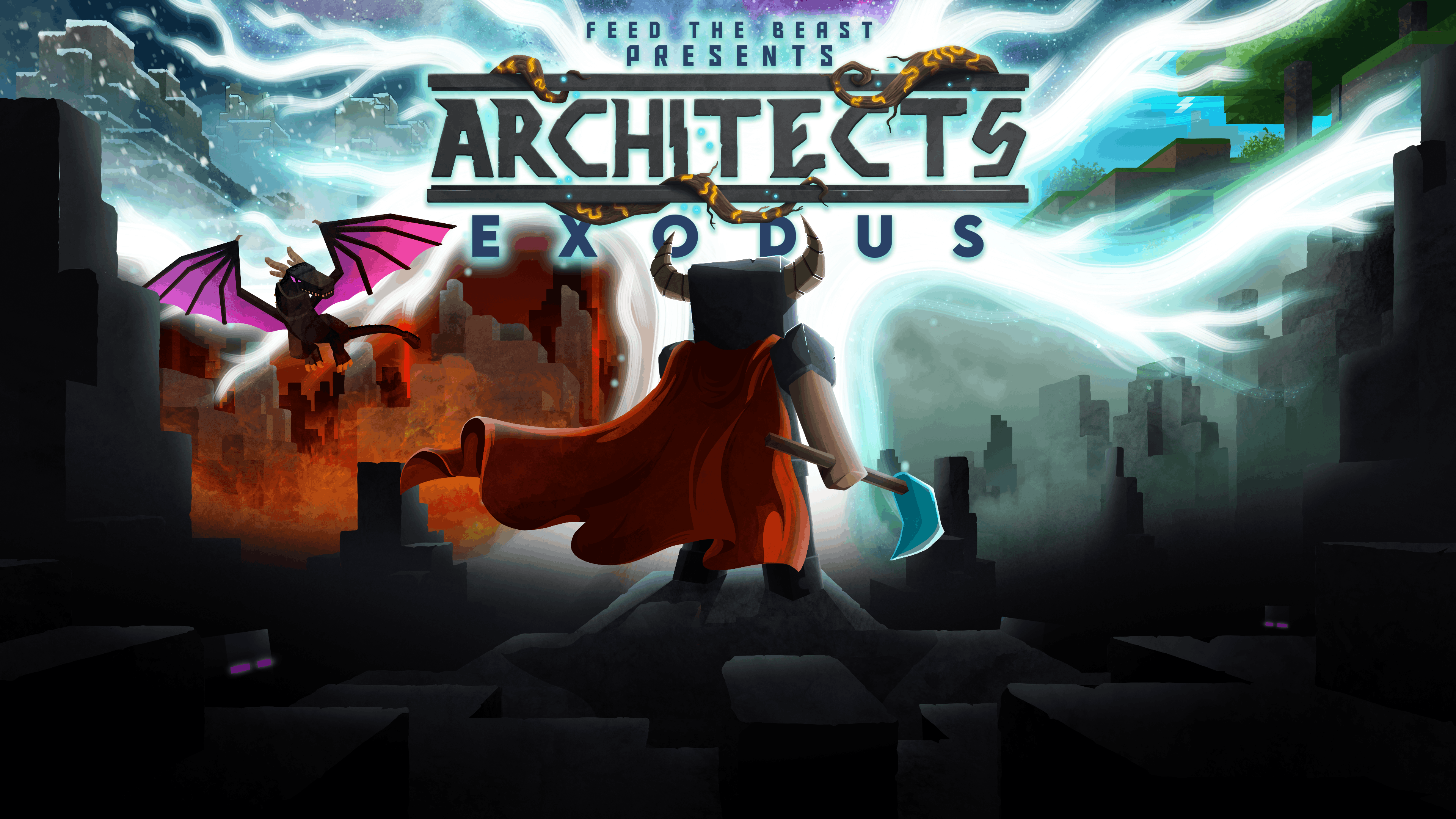
Ready to carve your way through the Nine Realms with your friends in FTB Presents Architect's Exodus? This Norse-inspired adventure modpack from the FTB Team throws you into a shattered world of gods, giants and forgotten souls - and it is far better with a party at your back. Setting up a modded Minecraft server can be complex, but with MintServers, it's easier and more affordable than ever. When you rent an Architect's Exodus server from us, you get a streamlined, one-click installation process that gets your world online in minutes, with unlimited slots and RAM.
Finally, you can focus on what matters most: slaying realm bosses and rewriting your destiny, without breaking the bank!
Why Rent Your Architect's Exodus Server From MintServers?
Here's why MintServers is the unbeatable place to host your FTB Presents Architect's Exodus server:
- One-Click Install: Order today and launch Architect's Exodus instantly!
- Unlimited RAM & Slots: Just $9.99! Bring your whole warband along for the saga.
- Optimized Performance: Smooth, lag-free boss fights and realm hopping.
- 24/7 Uptime: The realms stay open, even while you sleep.
- Hassle-Free: No tech skills needed - just pure Norse adventure.
- Unbeatable Value: Host unlimited players from only $9.99!
What is the FTB Presents Architect's Exodus Modpack?
FTB Presents Architect's Exodus is a story-driven Minecraft 1.20.1 Forge modpack built by the Feed the Beast team, set in a world drawn from Norse mythology. You wake in a realm of shadow with no memory of how you got there, and your quest is to travel through a series of hand-crafted realms - the land of the dead, frozen wastes ruled by giants, realms of fire and beyond - defeating the boss that guards the gateway to each one. It blends adventure, exploration, RPG progression, combat and a full quest line into a single campaign, so every session has a clear goal and a genuine sense of progress.
Why Host an Architect's Exodus Server? This is a pack built around shared moments: coordinated boss fights, splitting up to hunt artifacts, and pushing through the quest book as a team. That means you want a server that can hold up to structure-heavy world generation and heavy combat encounters without stuttering - which needs strong hardware, unlimited memory (which MintServers provides for only $9.99!), and rock-solid stability. Order your server today and start the saga with your friends tonight!
Step 1: Installing on the Server
First, we need to load the modpack onto your MintServers panel.
- Log into your MintServers panel and make sure your server is Stopped.
- Navigate to the Modpacks tab on the left-hand sidebar.
- In the search bar, type exactly:
FTB Presents Architect's Exodus. - Find the official FTB pack and click on it.
- Select the version you wish to play from the dropdown menu (we always recommend the latest release for a brand new world).
- Click Fresh Install to clear out any old incompatible files and lay down the new modpack.
- Once the installation completes, head back to the Console and click Start. The first boot will take several minutes while the pack generates its custom realms!
Step 2: Installing Locally (Client-Side)
Before you can join the server, everyone playing needs to have the exact same modpack installed on their own computers.
- Open the CurseForge App on your computer (the pack is also available in the FTB App if you prefer it).
- Navigate to the Minecraft section and click the Browse Modpacks tab at the top.
- Search for
FTB Presents Architect's Exodus. - Click the orange Install button next to the pack.
- Once it finishes downloading, switch back to your My Modpacks tab and click Play.
Troubleshooting Architect's Exodus Issues
Large adventure packs with custom dimensions can throw the odd curveball. Here is how to smooth them out:
🛠️ Solutions for Common Modpack Errors
- Client Crashing / Out of Memory: Architect's Exodus runs a large mod list with plenty of custom structures and shaders-friendly visuals. Open your CurseForge settings (the gear icon bottom left), go to Minecraft, and allocate at least 6000MB (6GB) of RAM for your client!
- Server Memory Settings: Do not worry about setting custom Xms or Xmx Java arguments on your server panel! MintServers utilizes automatic Java scaling on our shared hosting, so adding manual limits can actually hurt performance. Let the server manage its own memory automatically.
- Lag When Entering a New Realm: Travelling to a new dimension for the first time generates a lot of world at once. Give the server a minute to settle after the first person steps through a portal, and avoid having the whole group jump in simultaneously.
- Version Mismatch Connection Error: If the server rejects your connection, double-check that your CurseForge or FTB App client version perfectly matches the version you installed on the server panel.
If you or your friends are still having trouble getting into the server, or if the console is throwing startup errors, no worries! Just open a support ticket and our team will gladly jump in and get your realms back online.