



 Satisfactory
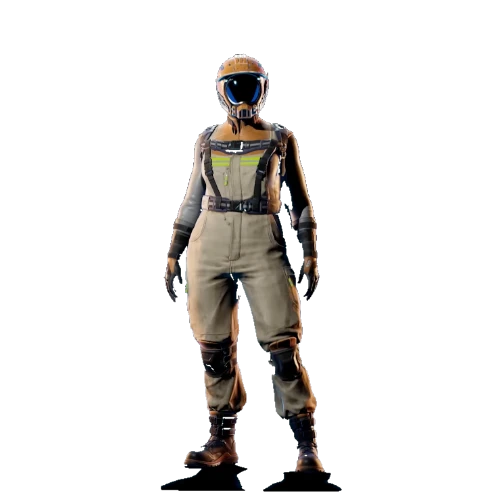
If you've just set up a fresh Satisfactory server and jumped in expecting the drop-pod cinematic and the usual tutorial, you may have noticed your Pioneer already standing around with a HUB partway built and a pocket full of starting parts instead. This isn't a bug with your MintServers server, it's how dedicated servers work across the board.
Why This Happens
The Onboarding sequence, sometimes called Tier 0, dismantling the drop-pod, scanning for Iron Ore, building and upgrading the HUB for the first time, is a scripted single-player tutorial. Dedicated servers can't run it. Every new world created on a dedicated server starts with Onboarding already completed, and you'll spawn with a small inventory of basic parts instead of the empty-handed start you'd get locally.
Why the Create Game Screen Still Offers "Onboarding"
When creating a new save through the Server Manager, you'll still see Onboarding listed as a starting option alongside the other tiers. Selecting it doesn't do anything different, the server skips it regardless. There's no setting or console command that forces it to run.
Uploading a save that's still mid-Tier-0 doesn't get around this either. If you upload a save that hasn't finished Onboarding yet, the server will auto-complete it the moment it loads, the same as a save created directly on the server.
The Only Workaround
If you specifically want to experience Onboarding, it has to happen somewhere other than the dedicated server:
- Start a new game in single-player, or local multiplayer, on your own PC.
- Play through Onboarding normally, dismantle the pod, build the HUB, and complete its first upgrade.
- Once you're past Tier 0, save your game.
- Upload that save to your MintServers server through the Manage Saves tab, covered in our guide to uploading an existing save.
From that point on, everyone connecting to the server picks up right where that save left off, tutorial included.
If your world looks like it skipped further ahead than you expected, or you're not sure whether what you're seeing is normal, no worries! Just open a support ticket and our team will be happy to take a look.