


 Abiotic Factor
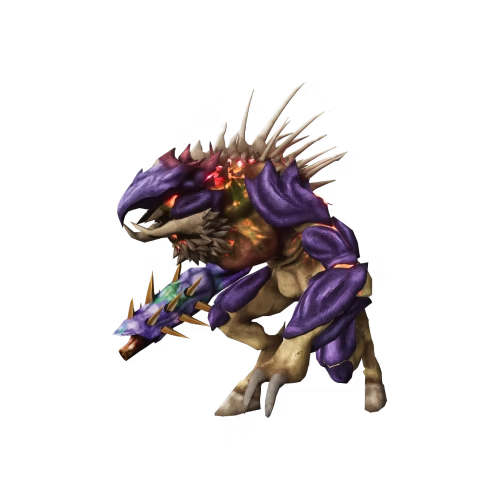
Own the Abiotic Factor Supporter Pack? You don't need every player on your server to own it too. DLC content, like the Torii homeworld, unlocks for the entire server as soon as an admin who owns it connects.
Once DLC content is unlocked this way, every player on the server can access it, even if they don't personally own the DLC.
Step 1: Add The DLC Owner As An Admin
The player who owns the DLC needs admin access on your server first. If they aren't already an admin, add their Steam64 ID to your server's moderator list. See our guide on adding admins to your Abiotic Factor server for the full walkthrough.
Admins are added using Steam64 IDs, so the player who owns the DLC needs to play on Steam. Xbox and PlayStation players can't be added to the admin list this way.
Step 2: Have The DLC Owner Connect
Once they have admin access, have the DLC owner connect to your server. See our guide on joining an Abiotic Factor server if they need help getting connected.
The DLC content should unlock automatically for the whole server as soon as they join.
If the DLC content, such as the Torii homeworld portal, doesn't appear right away, try restarting the server after the admin has connected at least once.
🛠️ Troubleshooting Common DLC Issues
DLC content still not showing
Double-check that the DLC owner was successfully added as an admin, and that they connected to the server after being granted admin access.
Content missing after restart
Make sure the DLC owner is still on your admin list. If they were removed, the content may no longer be recognized.
Not sure if admin access worked
Have the DLC owner check that they see admin options in the Player Management menu while connected.
And that's it, everyone on your server can now enjoy the unlocked DLC content!
Still stuck?
Our team is happy to help. Open a ticket through the live chat button in the bottom-right corner of our website, or join our Discord and open a ticket there.
Join our Discord