



 Icarus
Ready to drop onto the surface with your crew? Icarus dedicated servers don't show up on your main menu automatically, you connect to them from inside the game using either a direct IP connection or the in-game server browser. This guide covers both methods.
📌 Note:
If your server has never loaded a prospect before, you may see a Lobby Selection prompt as soon as you connect. This is normal, click Yes to enter the lobby, where you can create or load a prospect.
Step 1: Find Your Server's Connection Details
Before you can connect, you'll need your server's IP address and port.
- Log into your MintServers panel.
- On the Overview page for your server, note down the IP Address and Port shown there.
Step 2: Join Using Direct Connect (Fastest Method)
Direct Connect is the quickest way in, and doesn't require your server to be listed in the public browser.
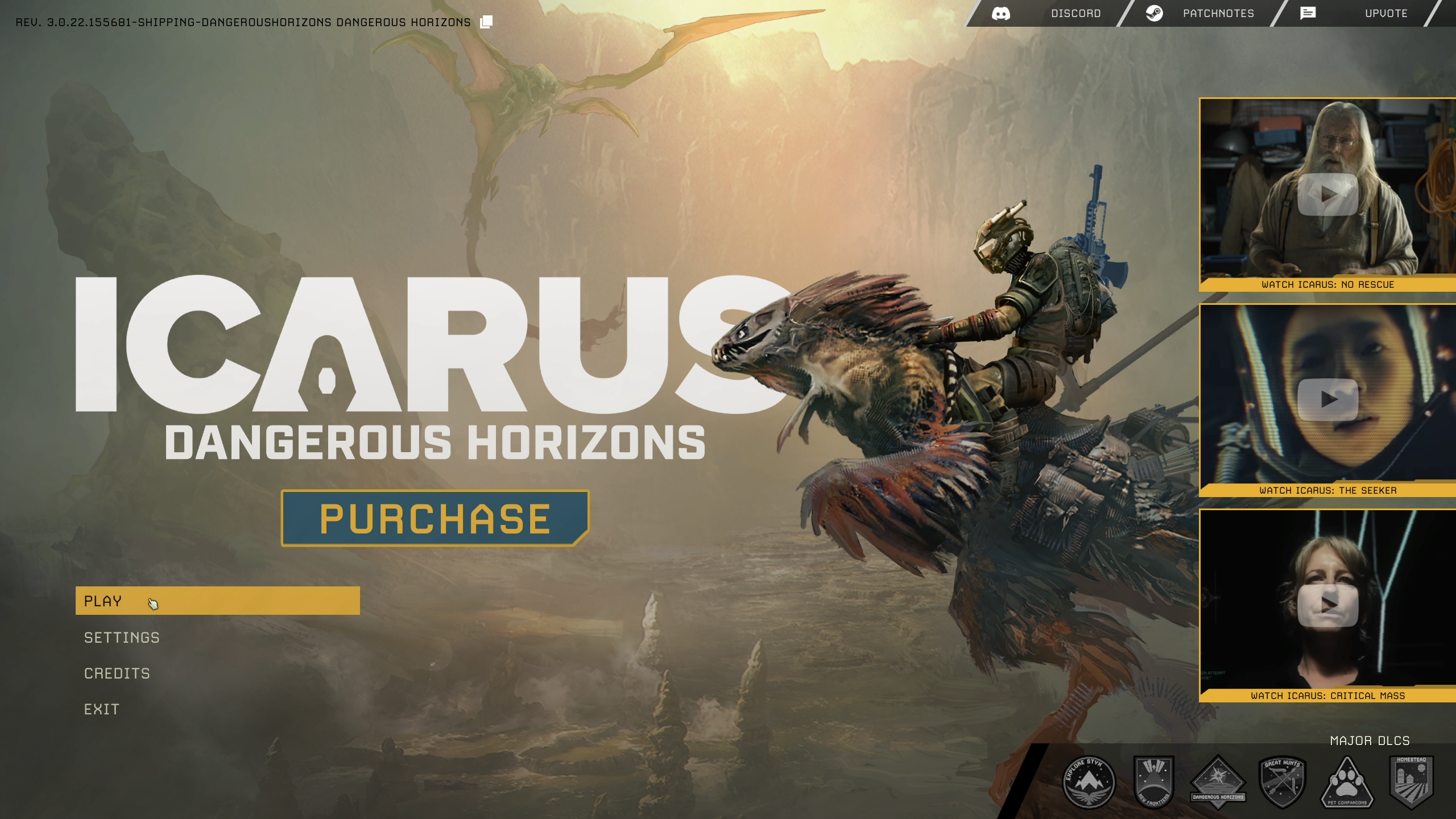
- Launch Icarus and click Play.
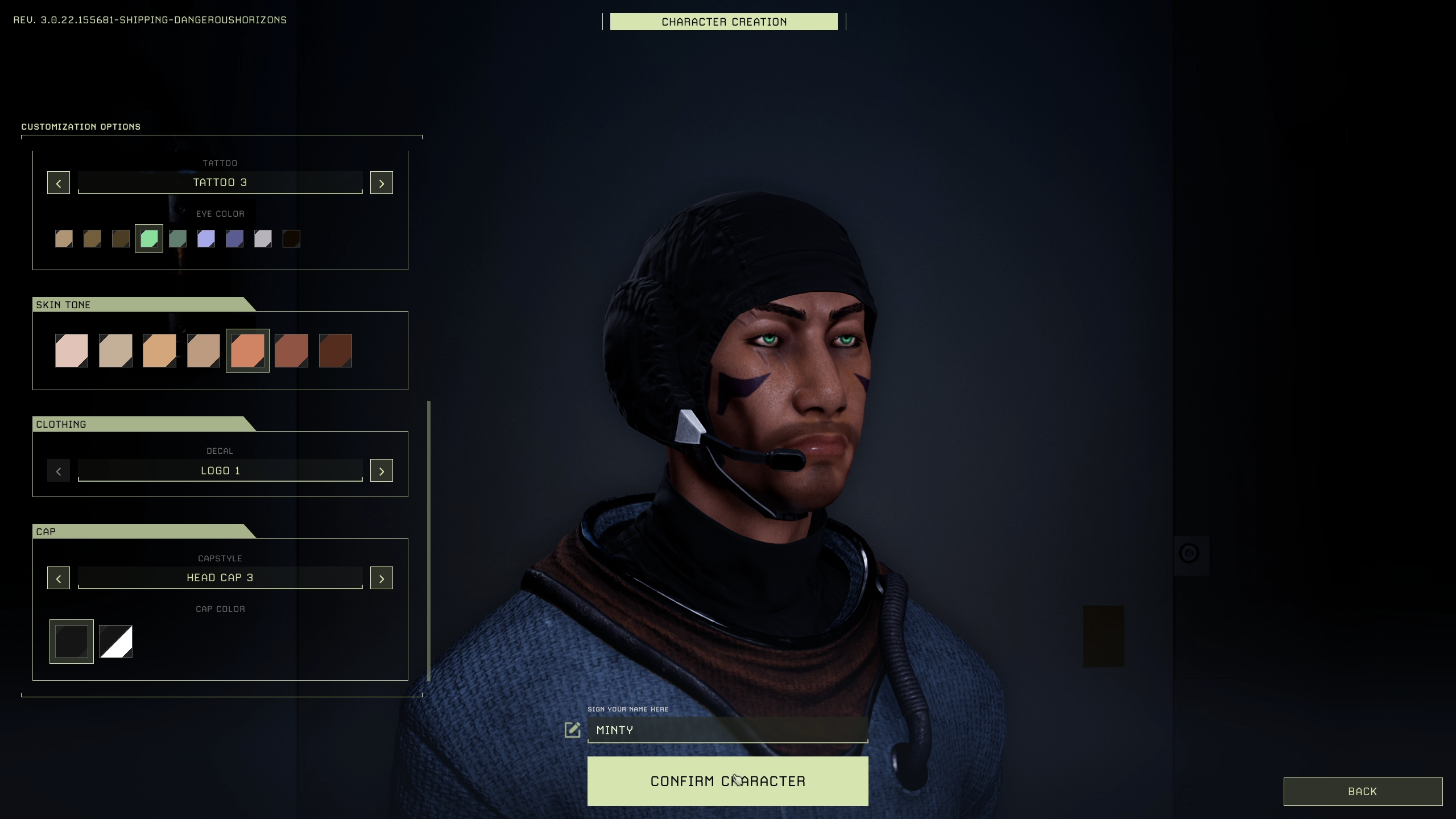
- Select an existing character or create a new one.
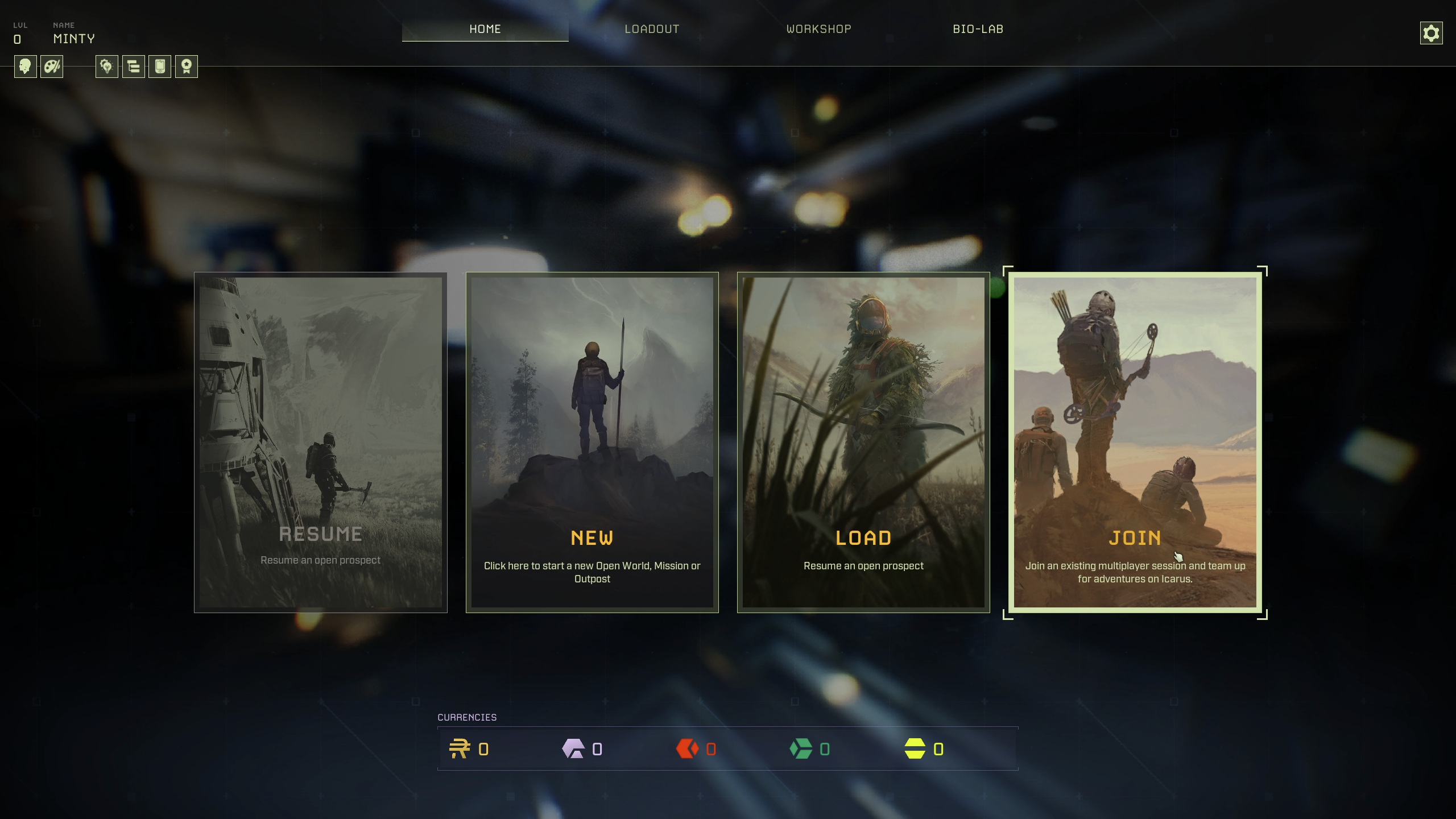
- Click Join.
- Switch to the Dedicated Servers tab in the top-right corner of the screen.
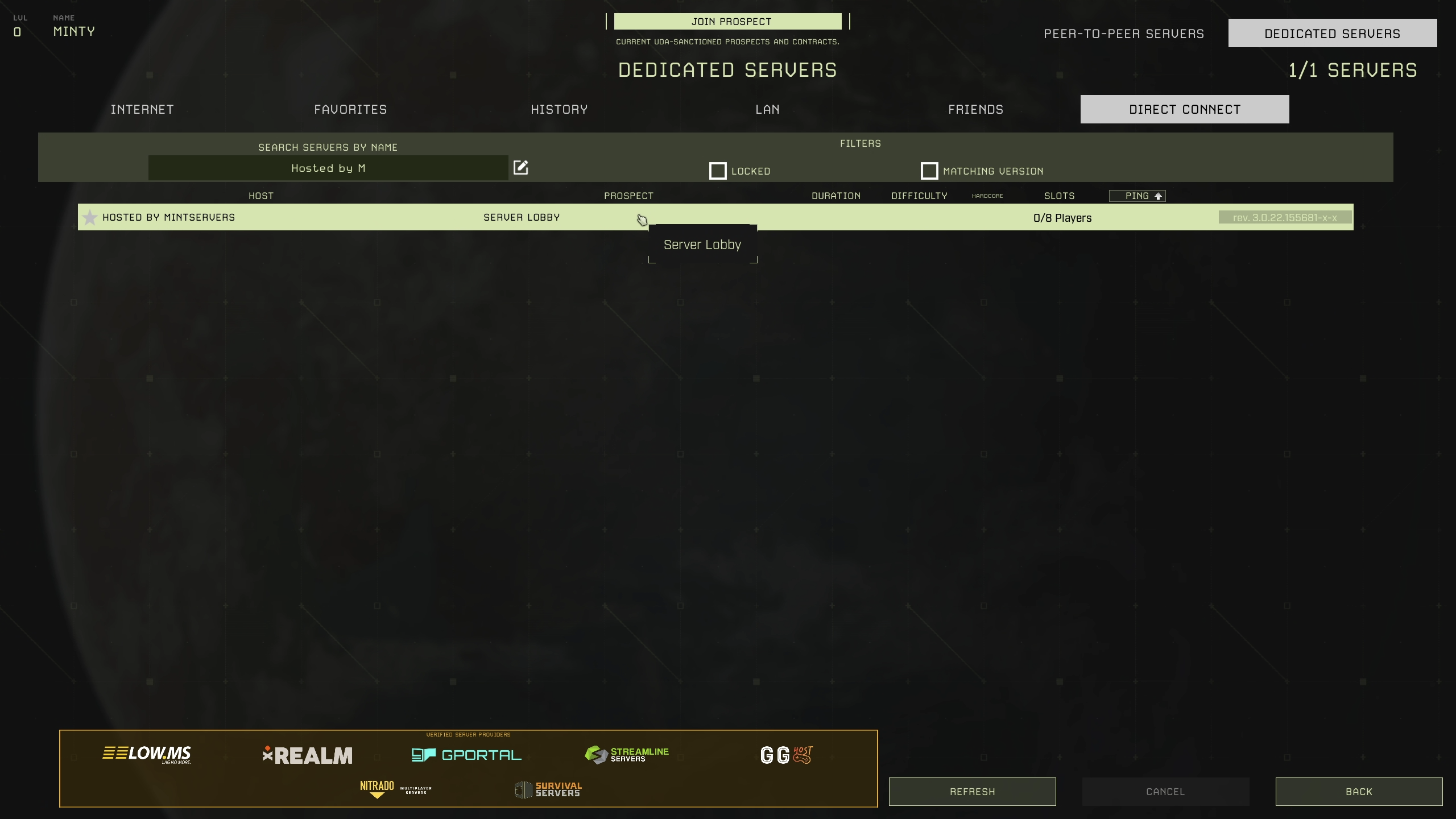
- Click Direct Connect.
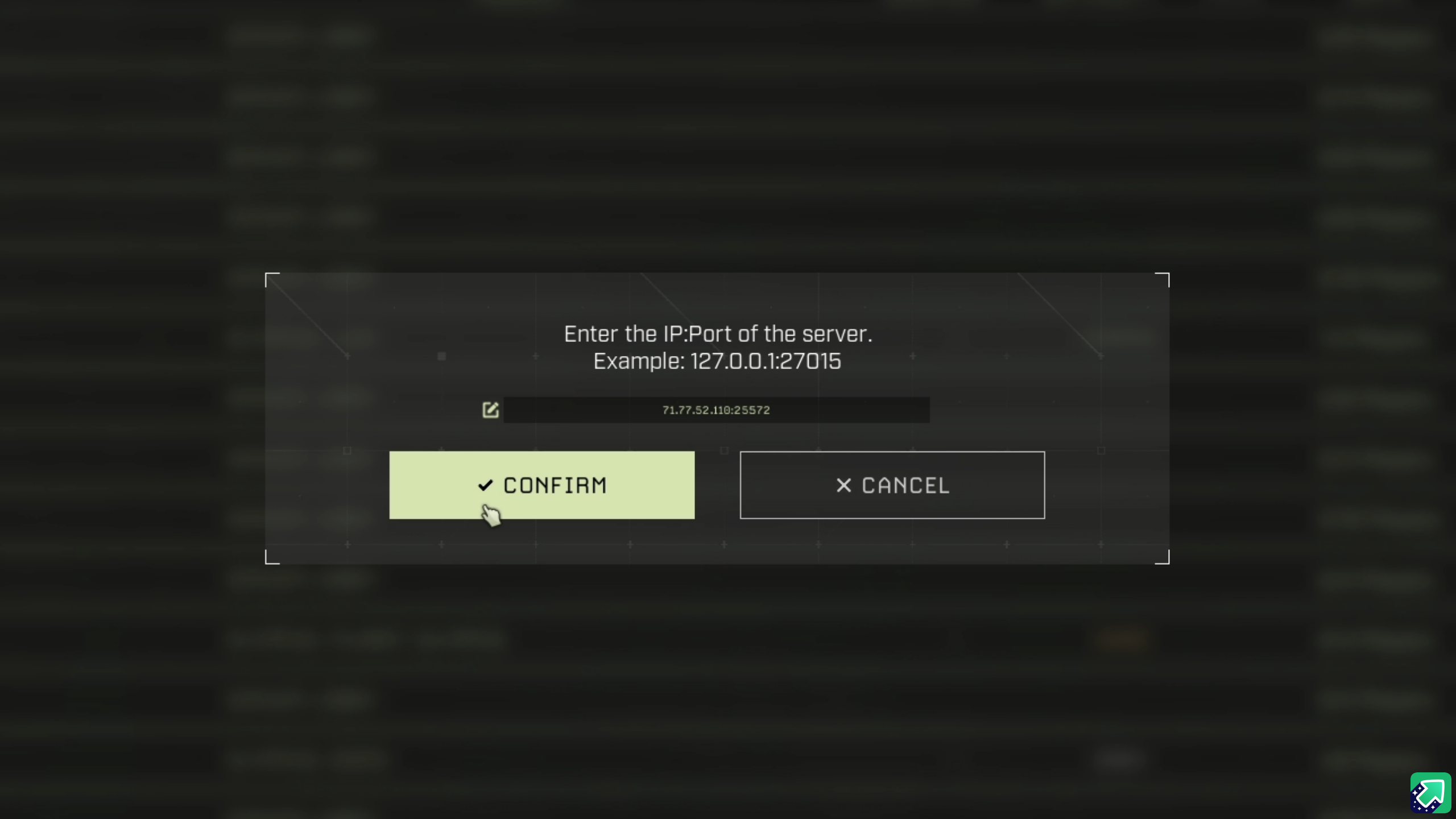
- Enter your server's IP address and port together in the format
IP:PORT(for example,192.0.2.11:17777), then click Confirm. - If your server has a join password set, enter it when prompted and click Confirm again.
Step 3: Join Using the Server Browser (Search by Name)
If you'd rather find your server by name instead of typing an IP each time, use the in-game server browser.
- Launch Icarus, click Play, and select or create a character.
- Click Join, then switch to the Dedicated Servers tab in the top-right corner.
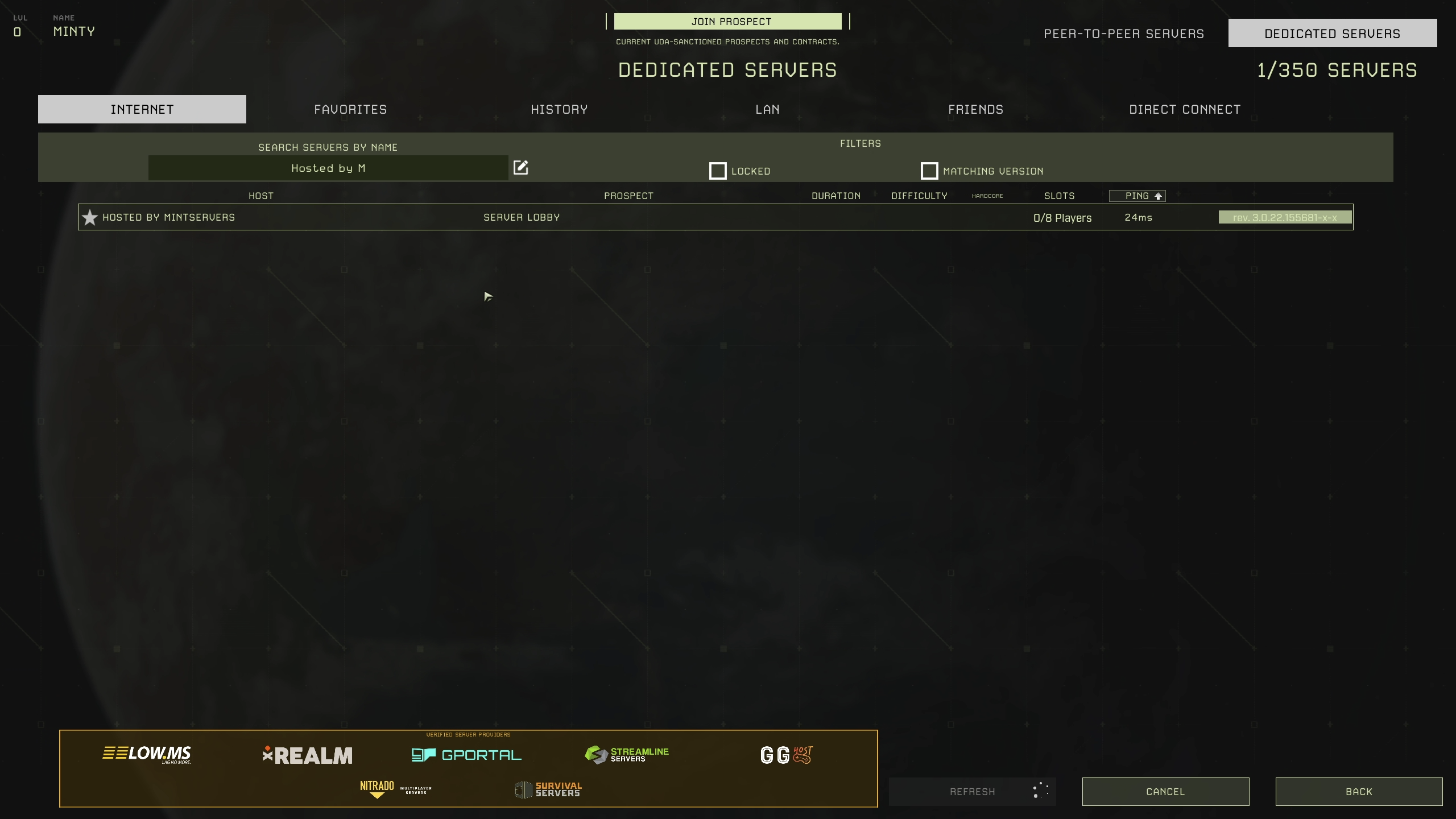
- Wait for the server list to populate, then type your server's name into the search field.
- Select your server from the results and click Join.
💡 Pro Tip:
Once you've found your server in the browser, click the star icon next to its listing to add it to your Favorites tab. That way you can find and rejoin it in a couple of clicks next time, without searching again.
🛠️ Troubleshooting Connection Issues
Server doesn't appear in the browser:Your server needs a name set through the Steam server name option before it will show up in a name search. Double-check that a server name has been configured, or use Direct Connect instead while you sort it out.Can't connect at all:Confirm your server is actually running, and that you're entering the IP and port exactly as shown on your MintServers panel, with a colon and no spaces between them.Connection works but you're stuck on a loading screen after a recent Icarus update:Your client and server versions need to match. Check that your server has been updated to the latest version.- Make sure you're entering the join password (if one is set), not the server's separate admin password. The two are different and used for different things.
And that's it, you're in! If you're having trouble locating or connecting to your server, no worries! Just open a support ticket and our team will gladly jump in and get you sorted out.