

 MINECRAFT HOSTING
  HYTALE HOSTING
 Game Swap allows you to easily switch between different games on your server. This powerful feature gives you the flexibility to explore new games or switch between your favorite titles whenever you want. .
Step 1: Access Your Server Dashboard
Navigate to https://mintservers.com/dashboard and log into your account.
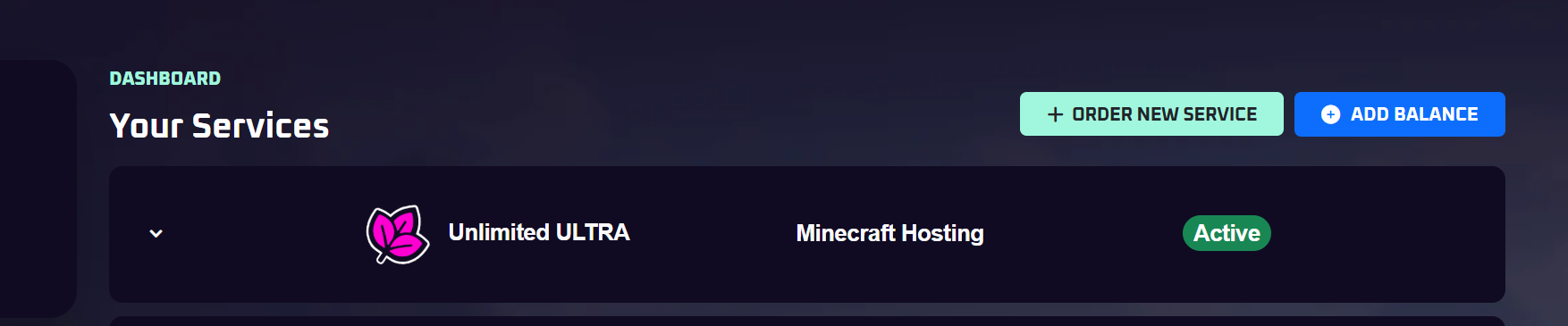
Step 2: Open Game Panel
Click the "Open Game Panel" button to access your server's control panel.
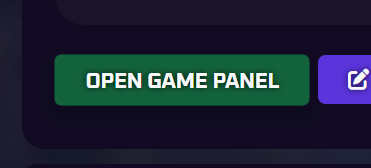
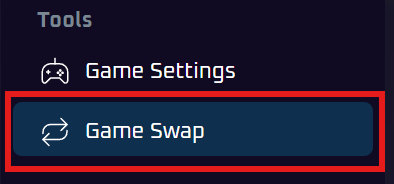
Step 3: Access Game Swap Menu
In the game panel, on the left side open the Game Swap menu.
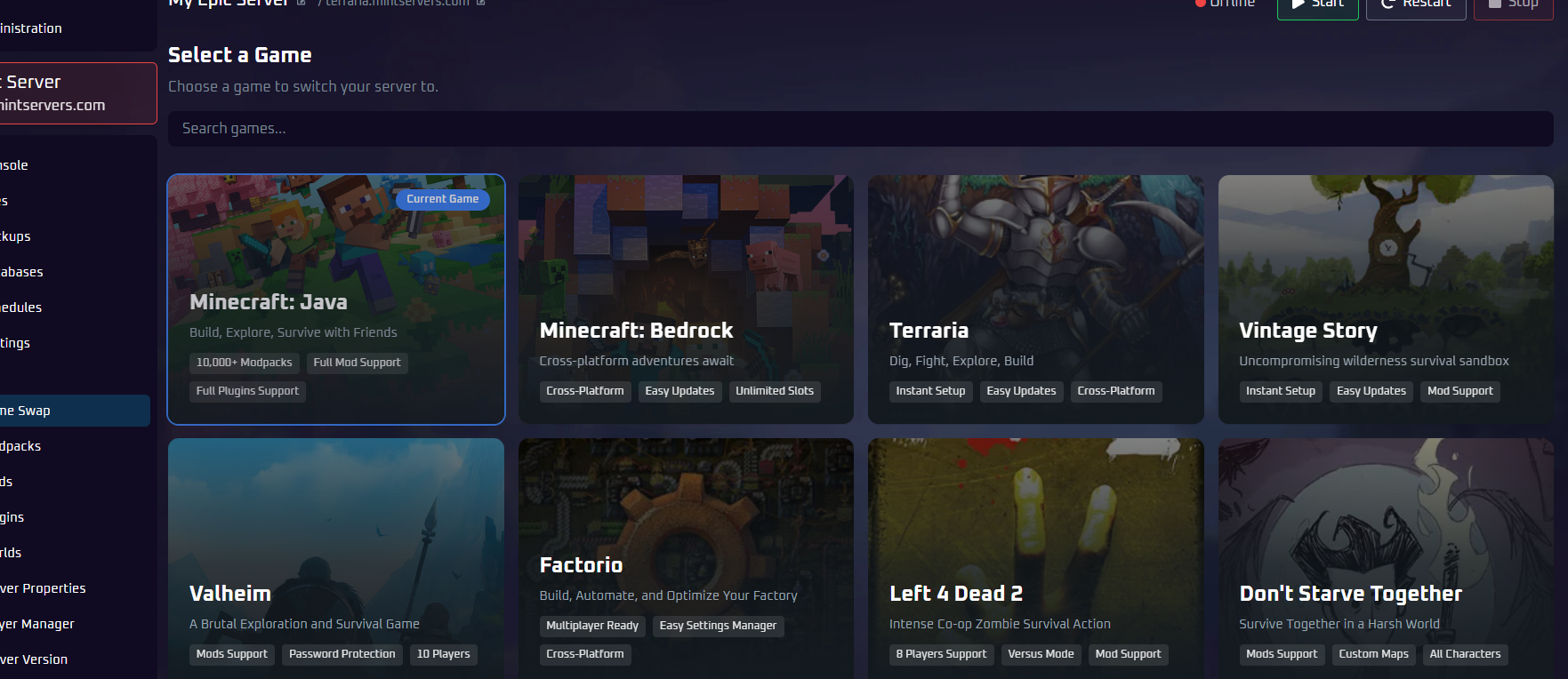
Step 4: Search and Select Game
Browse through the available games or use the search bar to find the game you want.
Once you find the desired game, click on it to proceed with the swap.
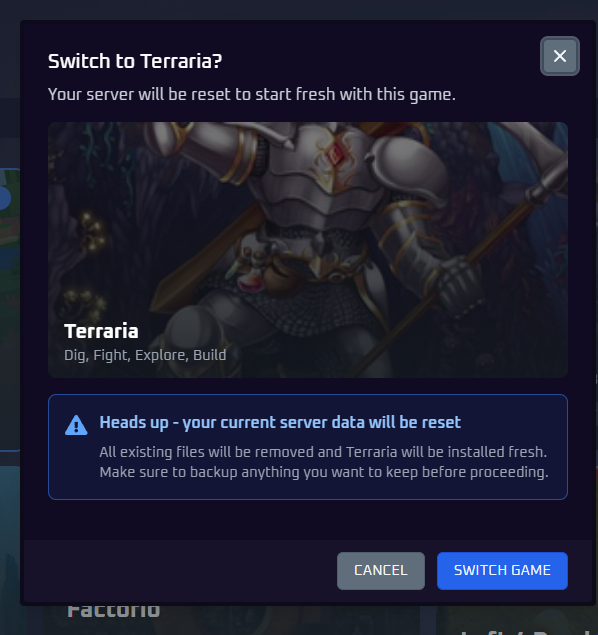
Step 5: Confirm Game Swap
Now, confirm game swap.
All of your current game data and progress will be completely reset. Make a backup if you wish to save it.
Step 6: Wait for Installation
The game swap process will begin and can take anywhere from 15 seconds to a couple of minutes depending on the game server files size.
Wait for the installation to complete before proceeding.