

 Minecraft Hosting
How to Change Your Bedrock Server Version
Whether you want to play on the absolute latest release or stick to a specific version for compatibility, changing your Bedrock server version is simple. You can find the list of most recent versions and changelogs here.
Step 1: Set the Version
First, you need to tell the server which version you want to load.
- Log into your MintServers game panel.
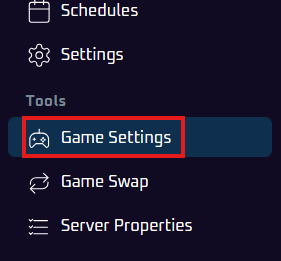
- On the left-side menu, click on "Game Settings".
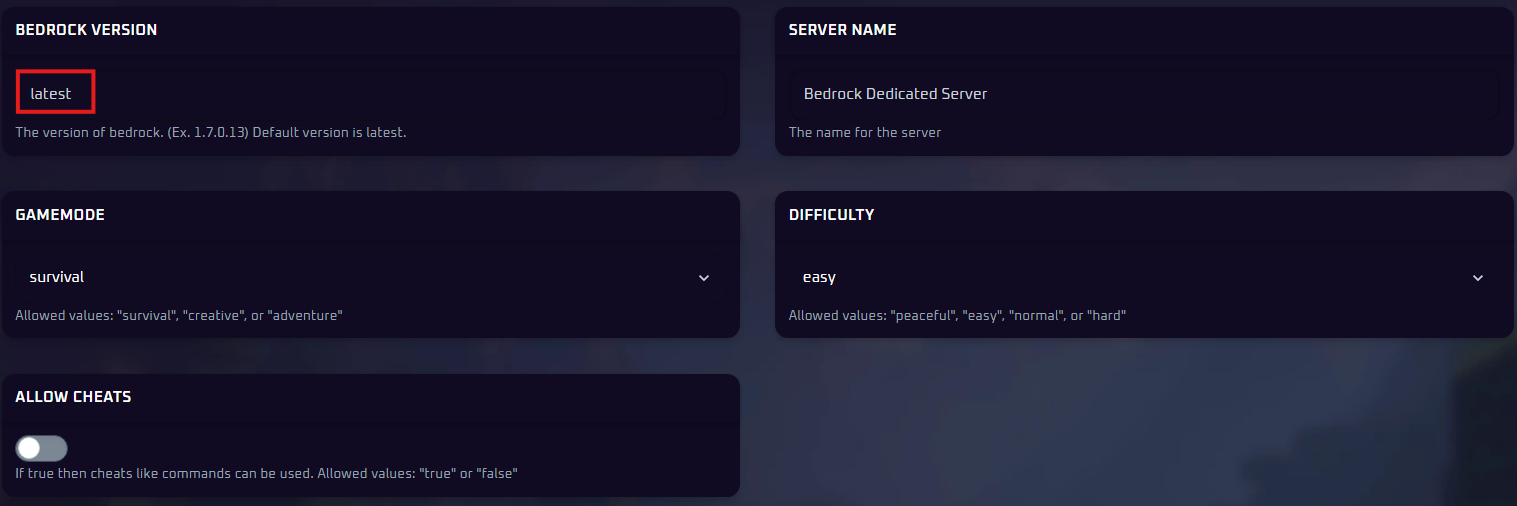
- Find the "Bedrock Version" setting.
- Type the version number you wish to use (e.g.,
1.21.124). You can also simply typelatestto always use the newest stable release.
Step 2: Reinstall Base Files
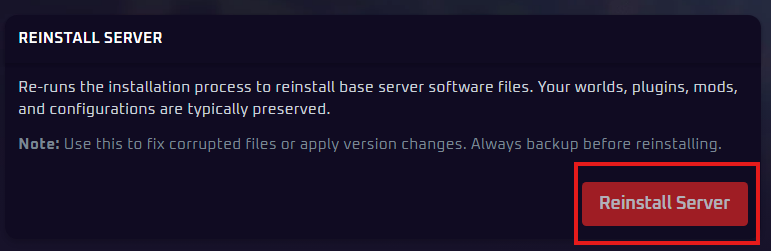
After setting the version number, you need to reinstall the server's core files to apply the change. This process updates the server software without deleting your world data, but safety is key.
Warning: We always recommend creating a backup of your current server files before performing a reinstall, just to be safe.
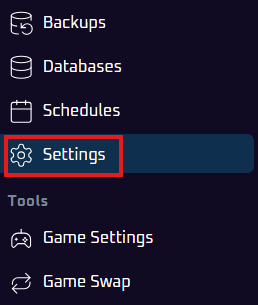
- On the left-side menu, click on "Settings".
- Locate and click the "Reinstall Server" button.
- Confirm the action if prompted. This will download and install the base server files for the version you selected in Step 1.
- Go back to the "Console" tab.
- Start your server.
Step 3: Start Your Server
Once the reinstall process is complete:
Your server will now boot up running the new version you selected. You can verify this by checking the version number listed in the server status or console logs.