



 Smalland: Survive the Wilds
Smalland uses an in-game server browser, so players find your server by searching for its name. This guide walks you through joining your MintServers Smalland server from the main menu.
Joining Your Server
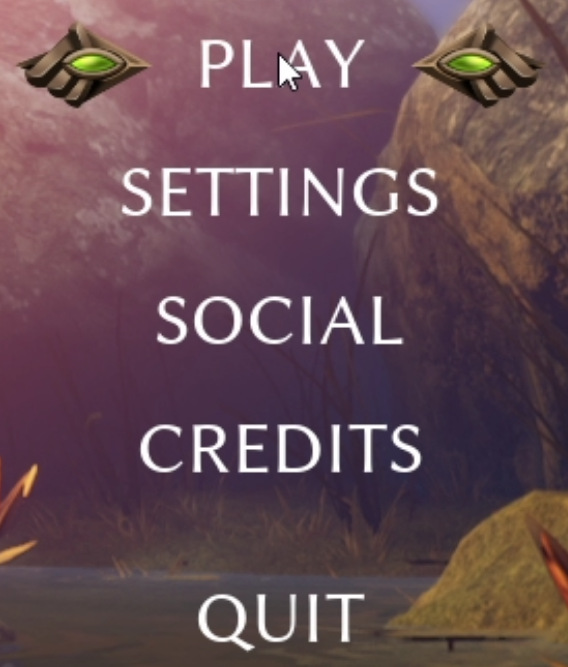
- Launch Smalland and click
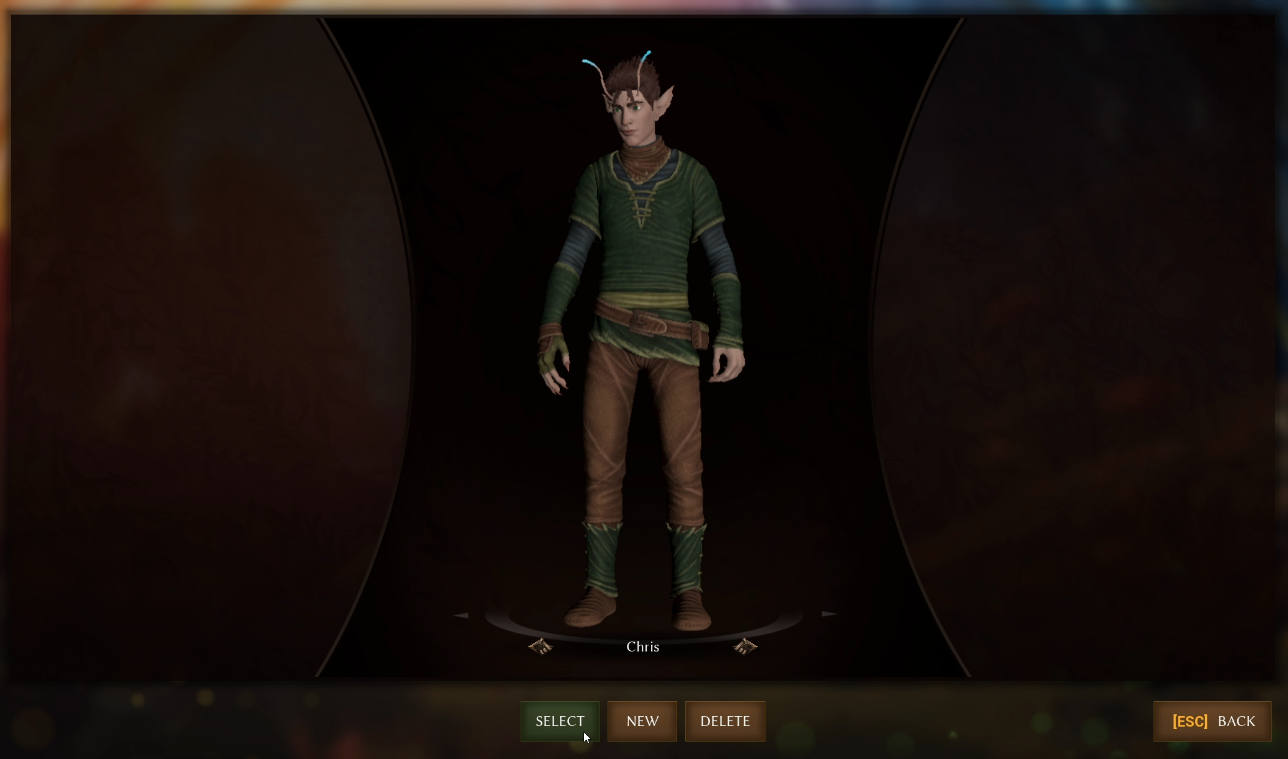
Playon the main menu. - Select the character you want to play with.
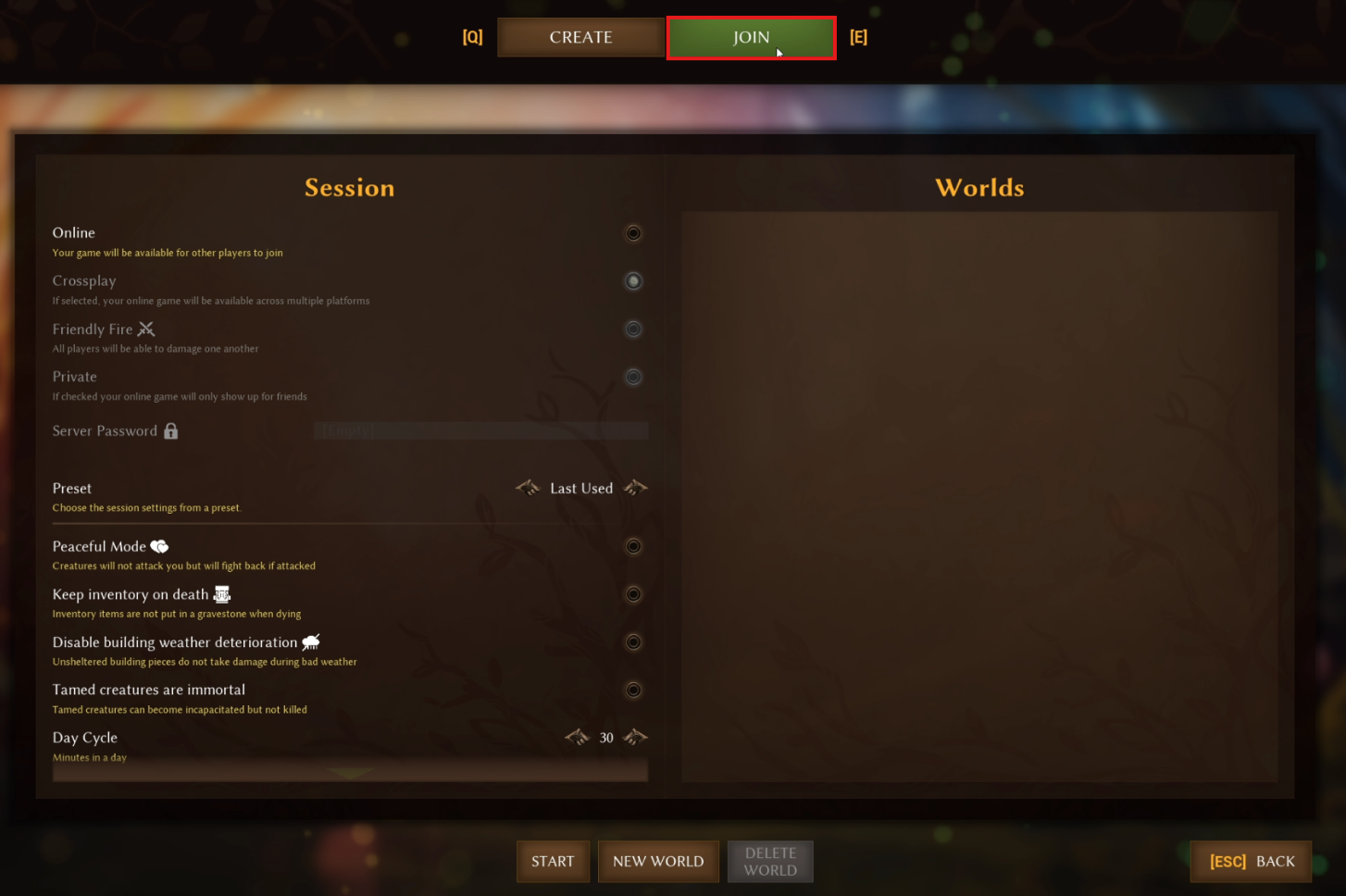
- Click the
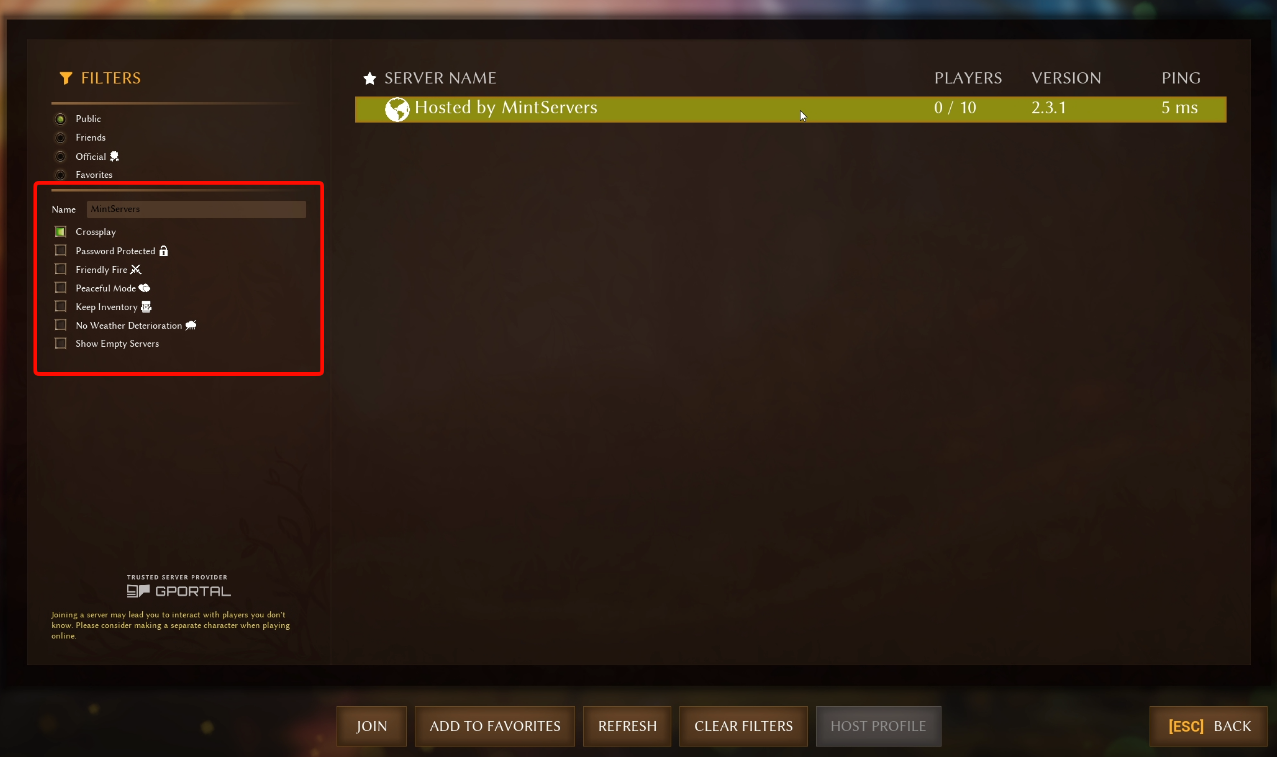
Jointab at the top of the screen. - In the server browser, type your server name into the search filter and press Enter.
- Find your server in the list and click it to select it.
- Click
Join.
💡 Pro Tip:
The name you search for is the
Server Name set in the Game Settings tab of your MintServers panel. You can change it at any time, see our Configure Server guide for details.

Troubleshooting
Can't find the server in the browser:Make sure your server is started on the MintServers panel and that you are searching for the exactServer Namefrom Game Settings.Server requires a password:If aServer Passwordhas been set in Game Settings, you will need to enter it when joining.
Once you are in, grab your friends and start exploring! If you get stuck at any point, no worries! Just open a support ticket and our team will gladly jump in and help.