



 Insurgency: Sandstorm
By default, a new Insurgency: Sandstorm server won't appear in the in-game Community Servers browser. To make it publicly discoverable, you need to generate two separate Steam-linked tokens and add them to your server: a Game Stats Token and a Steam Game Server Login Token (GSLT). This guide walks through generating both and adding them to your MintServers panel.
💡 Note:
These tokens are only required for public visibility in the server browser. If you're only playing with friends, they can still join anytime using Connect to IP without either token being set.
Step 1: Generate Your Game Stats Token
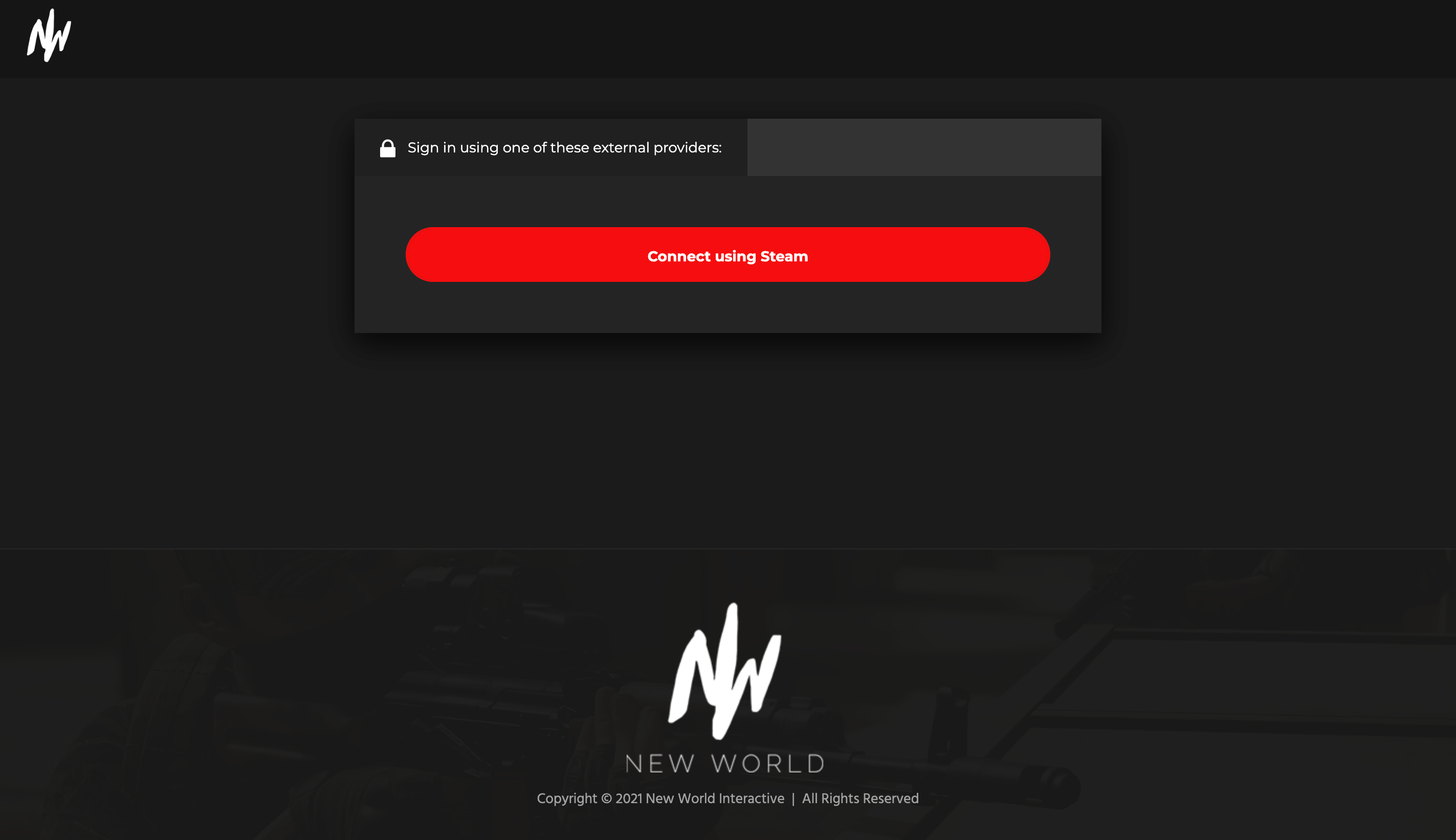
- Go to gamestats.sandstorm.game.
- Click to sign in, and log in with your Steam account when prompted.
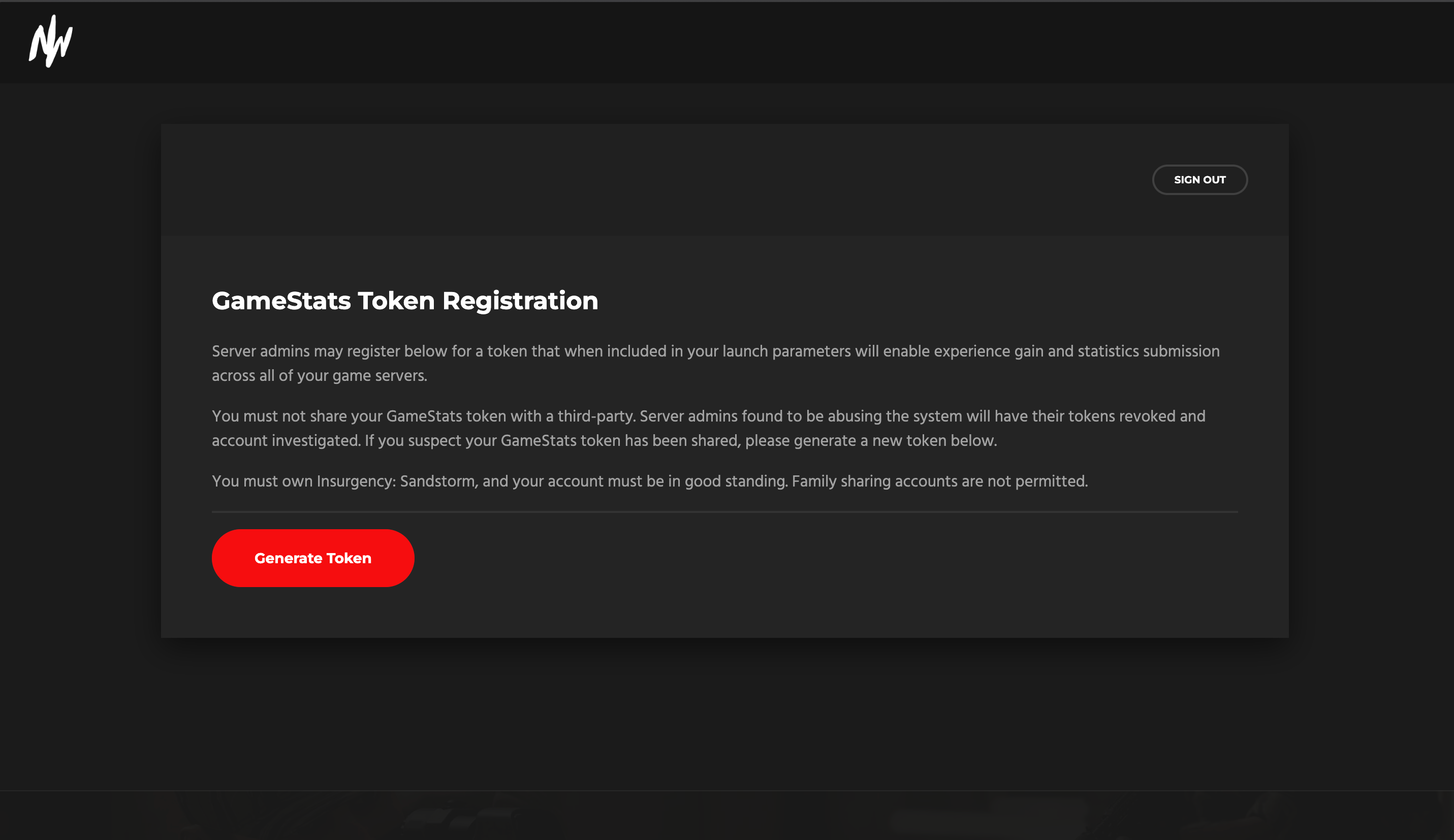
- Once signed in, click Generate Token.
- Copy the token that appears.
Step 2: Add The Game Stats Token To Your Server
- Log into your MintServers panel and select your Insurgency: Sandstorm server.
- Click the Stop button to shut down your server before making changes.
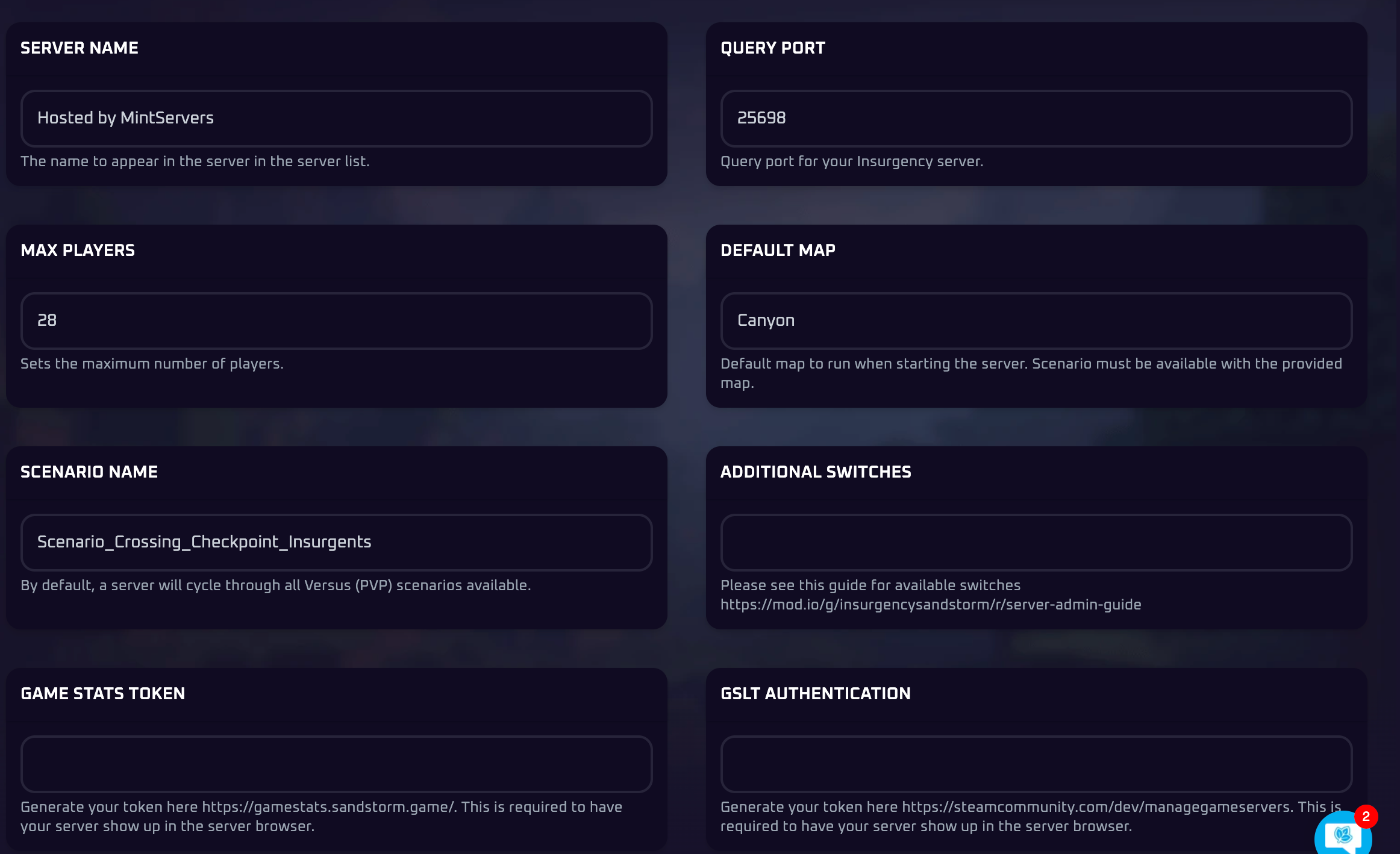
- On the left-hand sidebar, click on the Game Settings tab.
- Paste your token into the Game Stats Token field.

Step 3: Generate Your Steam Game Server Login Token (GSLT)
💡 Steam Account Requirements:
To generate a GSLT, your Steam account must not be restricted or community banned, and must have a phone number linked to it.
- Navigate to the official Steam Game Server Account Management page at steamcommunity.com/dev/managegameservers.
- Log into your Steam account if prompted.
- Scroll down to the Create a new game server account section.
- In the App ID field, type exactly
581320. This is the specific ID code for Insurgency: Sandstorm. - In the Memo field, type a note to help you remember what the token is for, such as MintServers Sandstorm. This memo is just for you and won't be seen by players.
- Click the Create button.
- Your new token will appear in the list above. Copy the long string of text next to Login Token.
Step 4: Add The GSLT To Your Server
- Back in your MintServers panel, confirm your server is still Stopped.
- On the Game Settings tab, paste your Steam token into the GSLT Authentication field.
- Save your changes, then return to the Console tab and click Start.
💡 Pro Tip:
With your GSLT set and no server password in place, you can also enable GameStats to let players earn XP on your server. Keep your tokens private: never share them publicly, since anyone with your token could use it to impersonate your server.
🛠️ Troubleshooting Common Issues
Server still doesn't appear after adding both tokens:Give it a few minutes to propagate after starting. Double-check that each token was pasted into the correct field, with no extra spaces before or after it.Token shows as invalid or expired:Return to the token's source (gamestats.sandstorm.game or the Steam token page), delete the old token, and generate a new one using the same App ID (581320 for the GSLT).Can't generate a GSLT at all:Your Steam account may be missing a linked phone number, or may be restricted or community banned. Both prevent Steam from issuing new game server tokens.Only one token is set:Both the Game Stats Token and the GSLT are required together for your server to be listed. Having just one set is not enough.
Once both tokens are saved and your server has fully restarted, it should appear in the Community Servers browser within a few minutes. If you're still having trouble getting it to show up, no worries! Just open a support ticket and our team will gladly take a look.