



 Arma Reforger
Once your Arma Reforger server is online, there are two ways to connect to it: search for it in the in-game server browser, or connect directly using your server's IP address and port. This guide walks you through both methods.
Joining Through the Server Browser
This is the easiest way to join if your server is listed publicly.
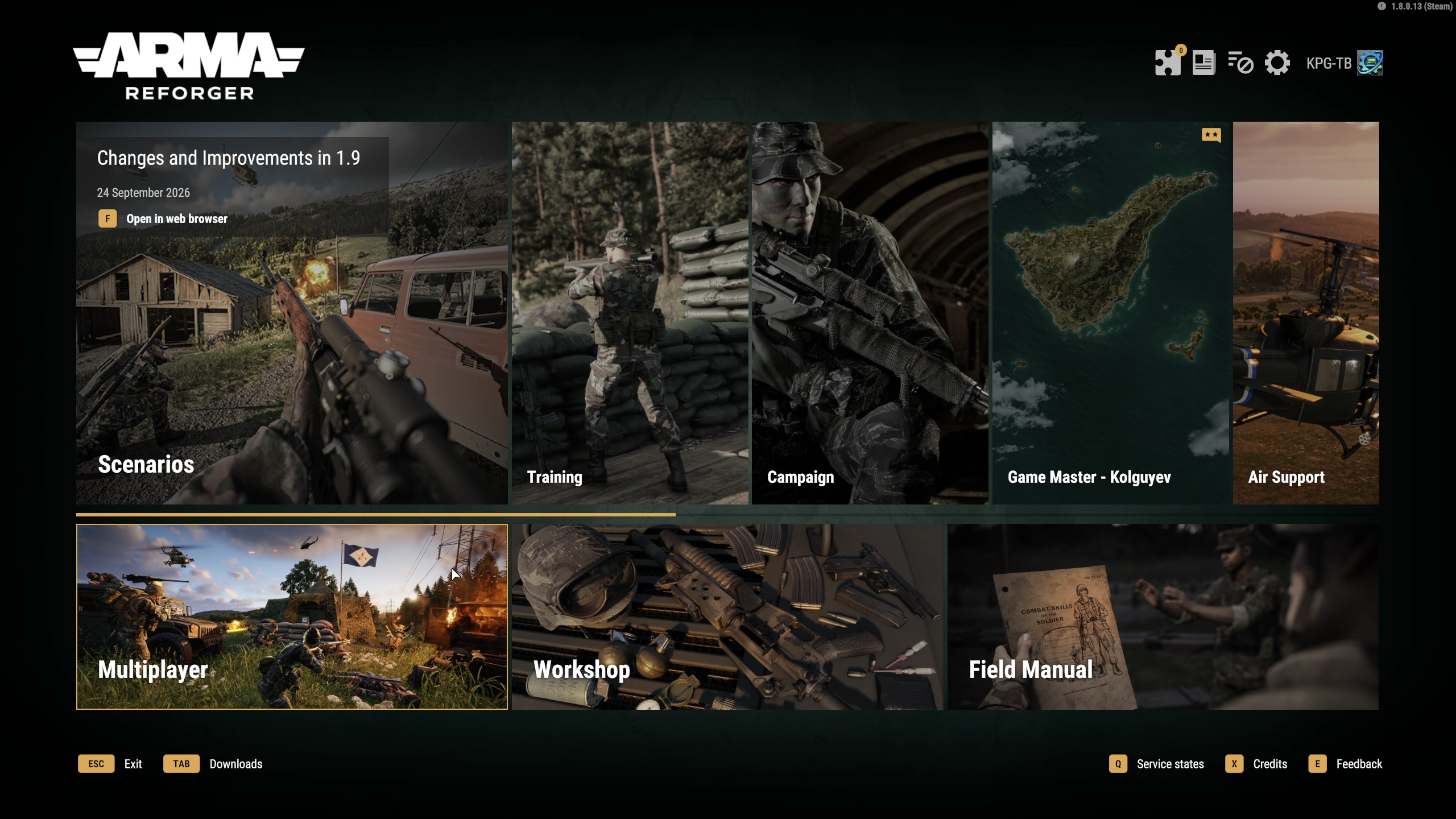
- Launch Arma Reforger and click Multiplayer on the main menu.
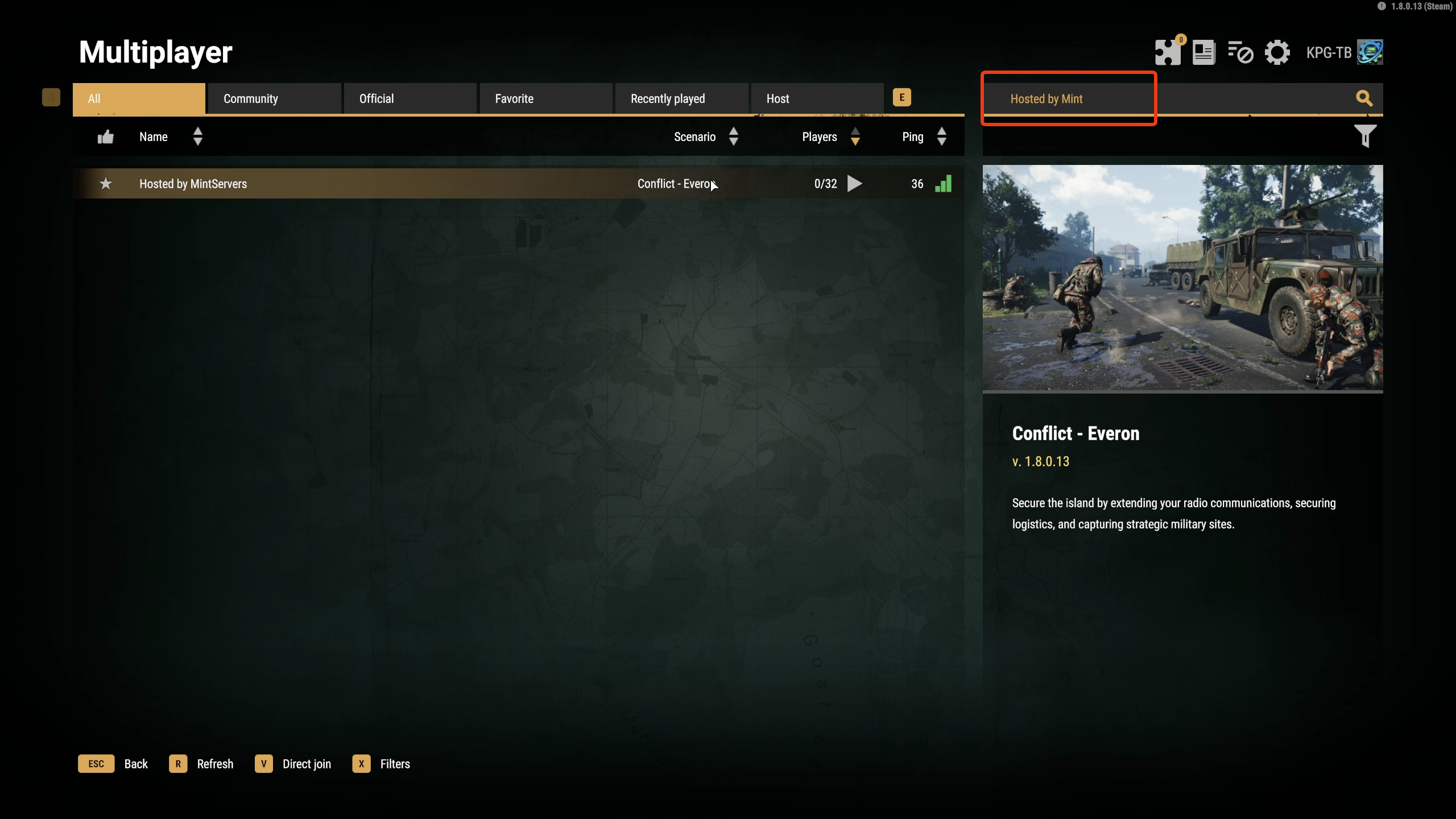
- Type your server name into the search box in the top right corner of the server list. New servers are named
Hosted by MintServersuntil you change it, so give your server a unique name to make it easy to find (see our Arma Reforger Configure Server guide). - Find your server in the list and click on it.
- Click Join.
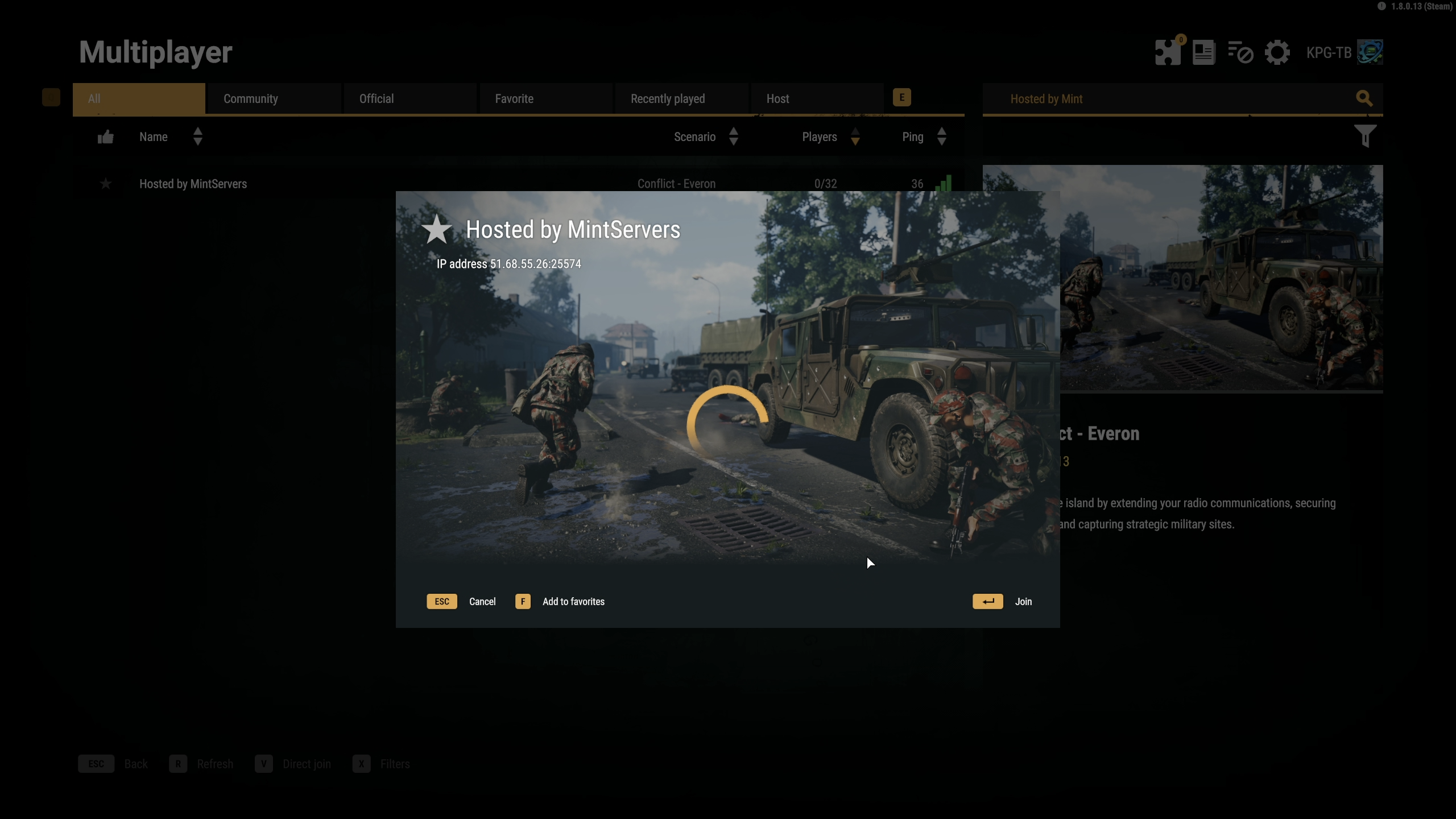
If your server is password protected, you will be asked for the password before you can connect.

Joining With Direct Join (IP and Port)
If you cannot find your server in the browser, or you would rather connect straight to it, use Direct Join. You will need your server's IP address and port, which you can find in your MintServers panel.
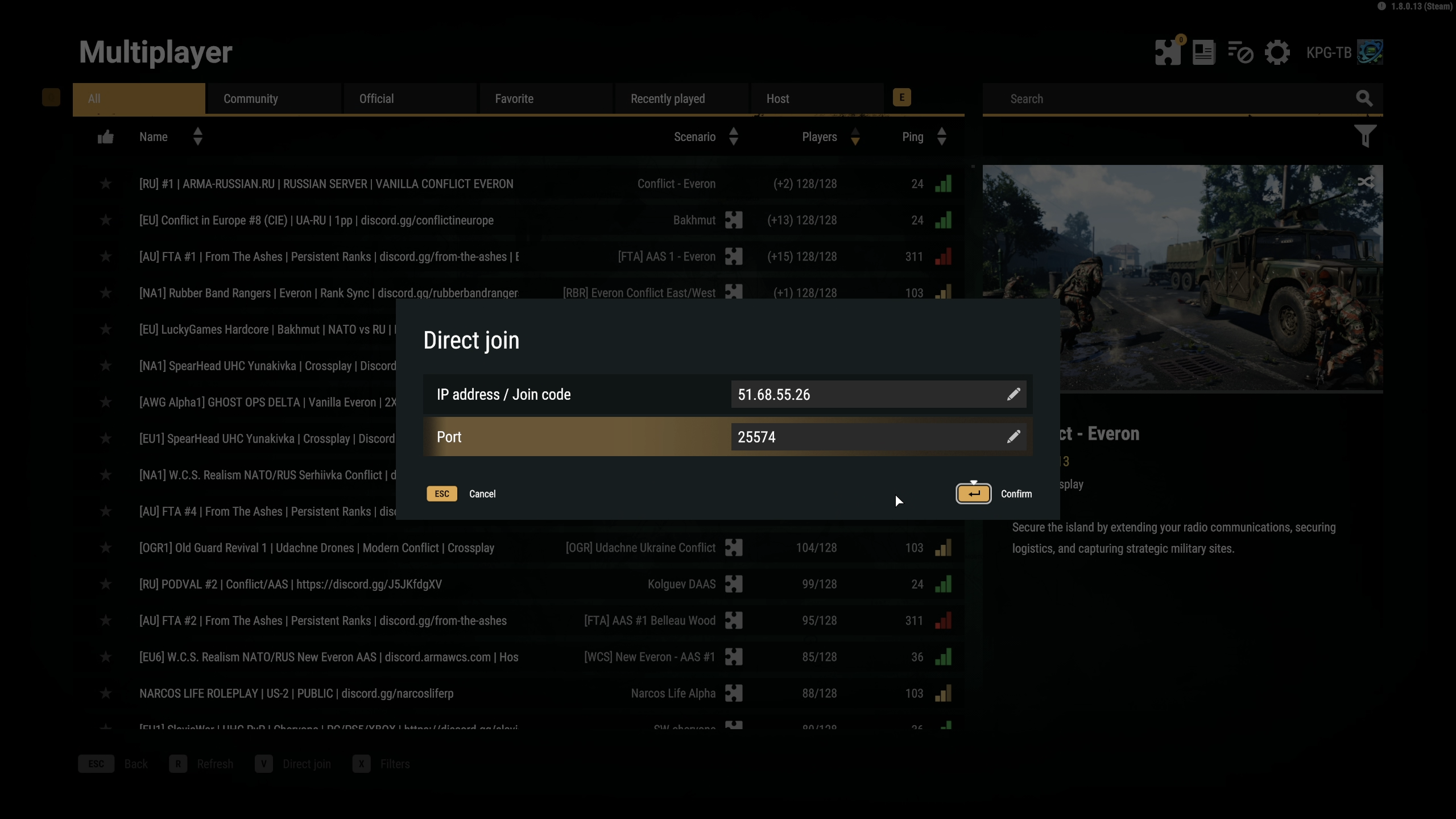
- On the Multiplayer screen, click Direct Join at the bottom of the screen (or press the V key).
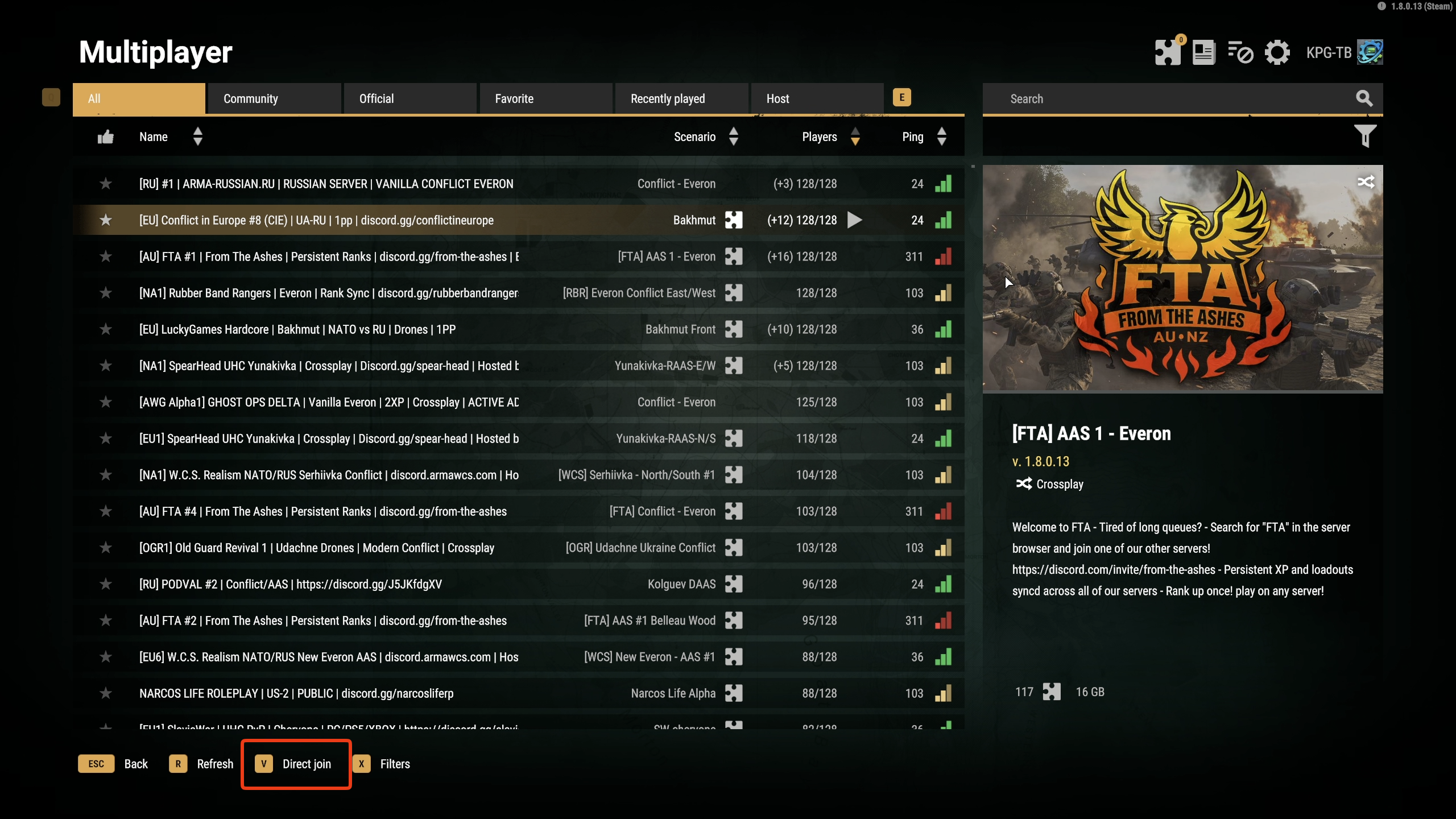
- Type your server's IP address and port into the fields provided.
- Click Confirm.
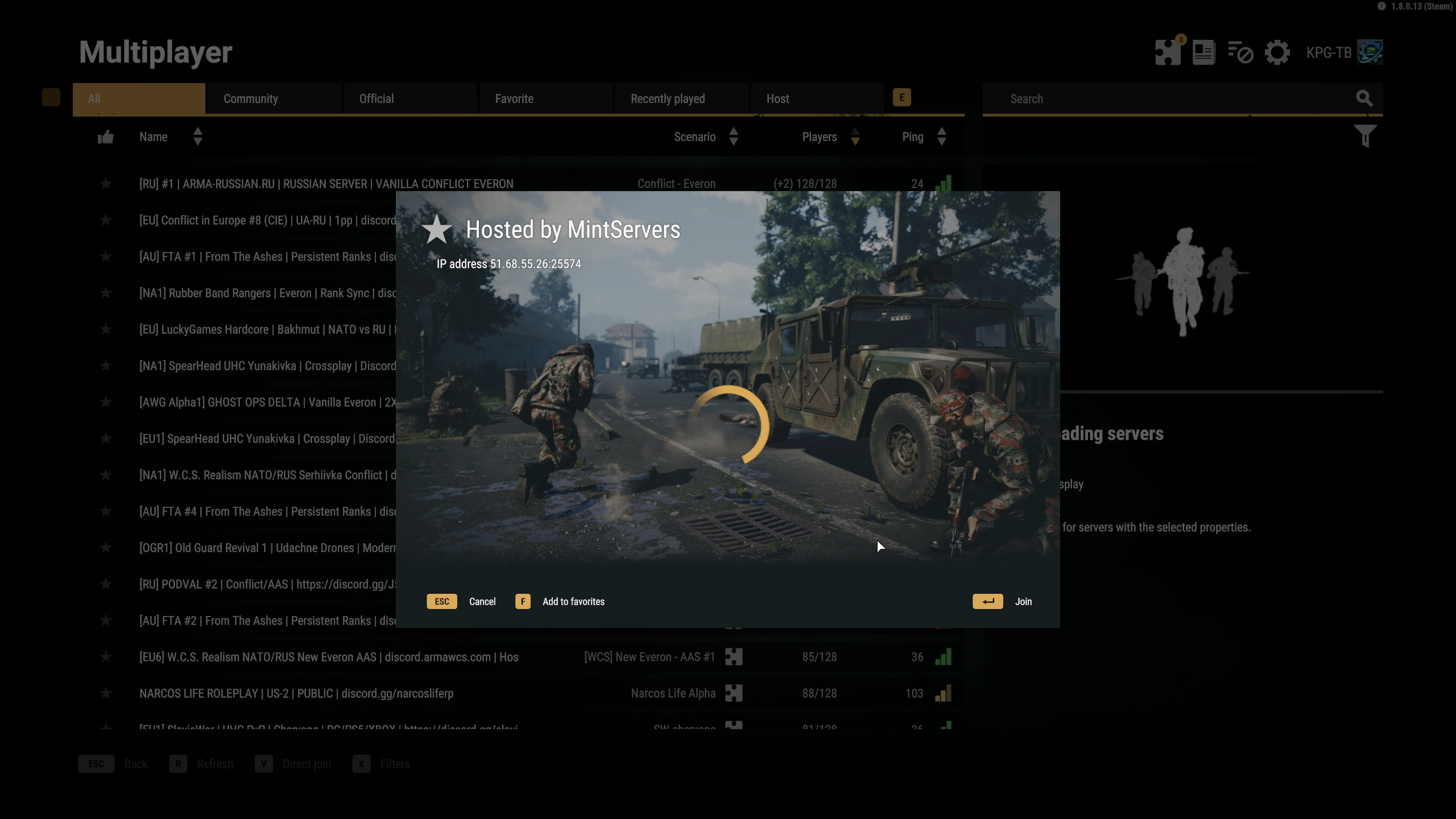
- Click Join.
Troubleshooting
Server not showing in the browser:Make sure the server has fully started in the Console tab and that it is set to be visible in your server settings (see our Arma Reforger Configure Server guide). You can always join with Direct Join instead.Direct Join does not connect:Double-check the IP address and port against your MintServers panel, and make sure there are no extra spaces.Asked for a password:Your server has a join password set. Enter the password from your server settings.Long download when joining:If your server runs mods, the game downloads the required mods the first time you join, which can take a while. See our Arma Reforger Install Mods guide.
Once you are in, you can make yourself an admin by following our Arma Reforger Become Admin guide. If you still cannot connect, no worries! Just open a support ticket and our team will gladly jump in and take a look.