



 Space Engineers
Ready to start building? Joining your Space Engineers server only takes a few clicks. This guide covers both ways to connect: searching for your server by name in the in-game server browser, or jumping straight in with Direct Connect using your server's IP address and port.
Method 1: Finding Your Server By Name
This is the easiest option if you don't have your server's connection details handy.
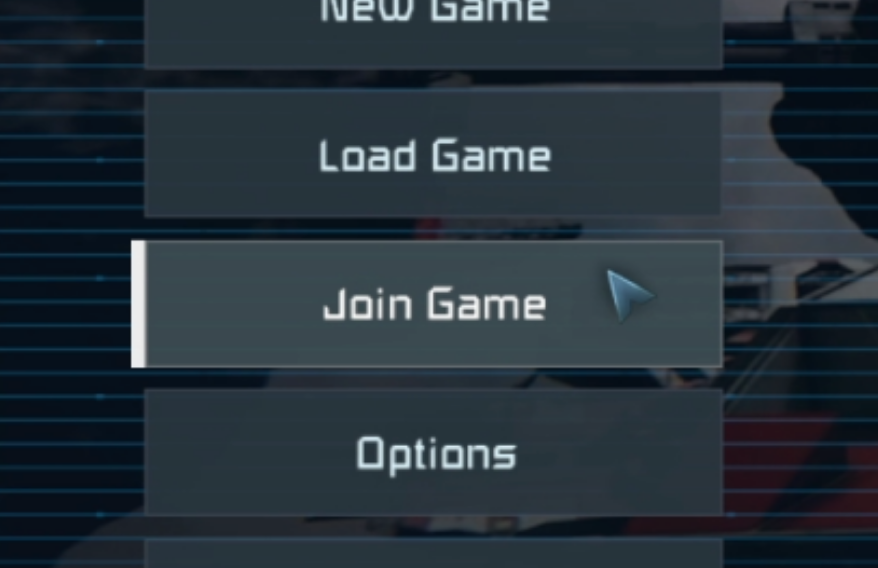
- Launch Space Engineers and click
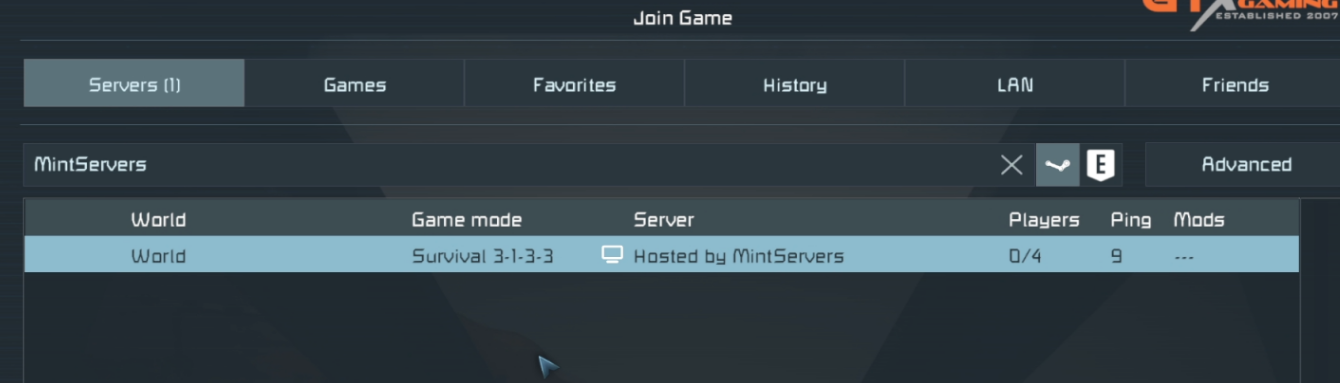
Join Gameon the main menu. - Make sure you are on the
Serverstab. Dedicated servers like yours are listed here, not under theGamestab. - Type your server name into the search bar.
- Find your server in the list and click it to select it.
- Click
Join Worldat the bottom of the window.
Method 2: Direct Connect
Direct Connect skips the server list and connects you straight to your server using its IP address and port. This is the fastest option, and the one you'll want to share with your friends.
- Log into your MintServers panel and copy your server's IP address and port. You can find both on the
Networktab. - In Space Engineers, click
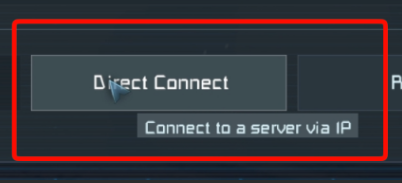
Join Gameon the main menu. - Click
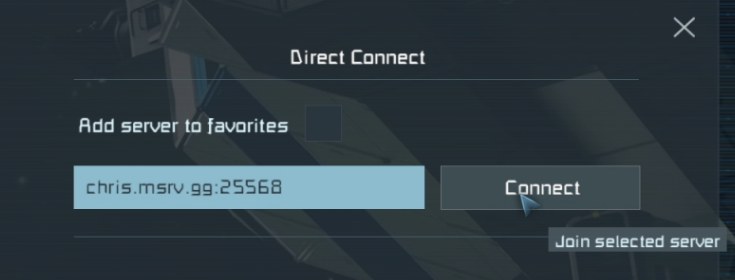
Direct Connectat the bottom of the window. - Type your server's IP address and port together in the format
IP:PORTand clickConnect.
💡 Pro Tip:
Type the IP address and port together with a colon between them and no spaces, for example
203.0.113.10:27016. That is only an example, so always use the exact IP address and port shown on your own panel.
Troubleshooting
Server not showing in the list:Double-check the spelling of your server name, or use Direct Connect instead. Direct Connect does not depend on the server list.Direct Connect fails:Confirm the IP address and port match your MintServers panel exactly. Your assigned port may be different from the game's default of27016. Also make sure your server is online before connecting.Cannot join because of Experimental Mode:If your server has Experimental Mode turned on, you need to turn it on in your own game as well. From the main menu go toOptions>Game>Generaland enable Experimental Mode.First join takes a long time:If your server uses mods, Space Engineers downloads them automatically when you join. The first connection with a lot of mods can take a while, but later joins are much quicker.
Once you're in, you're ready to start building! If you are still having trouble, no worries! Just open a support ticket and our team will gladly jump in and help you get sorted out.