



 7 Days to Die
Getting your friends into your new 7 Days to Die server is the first step to surviving the horde. Thankfully, the game offers two very simple ways to find and connect to your MintServers host.
Launch your game, click on JOIN A GAME from the main menu, and choose one of the two methods below to get connected!
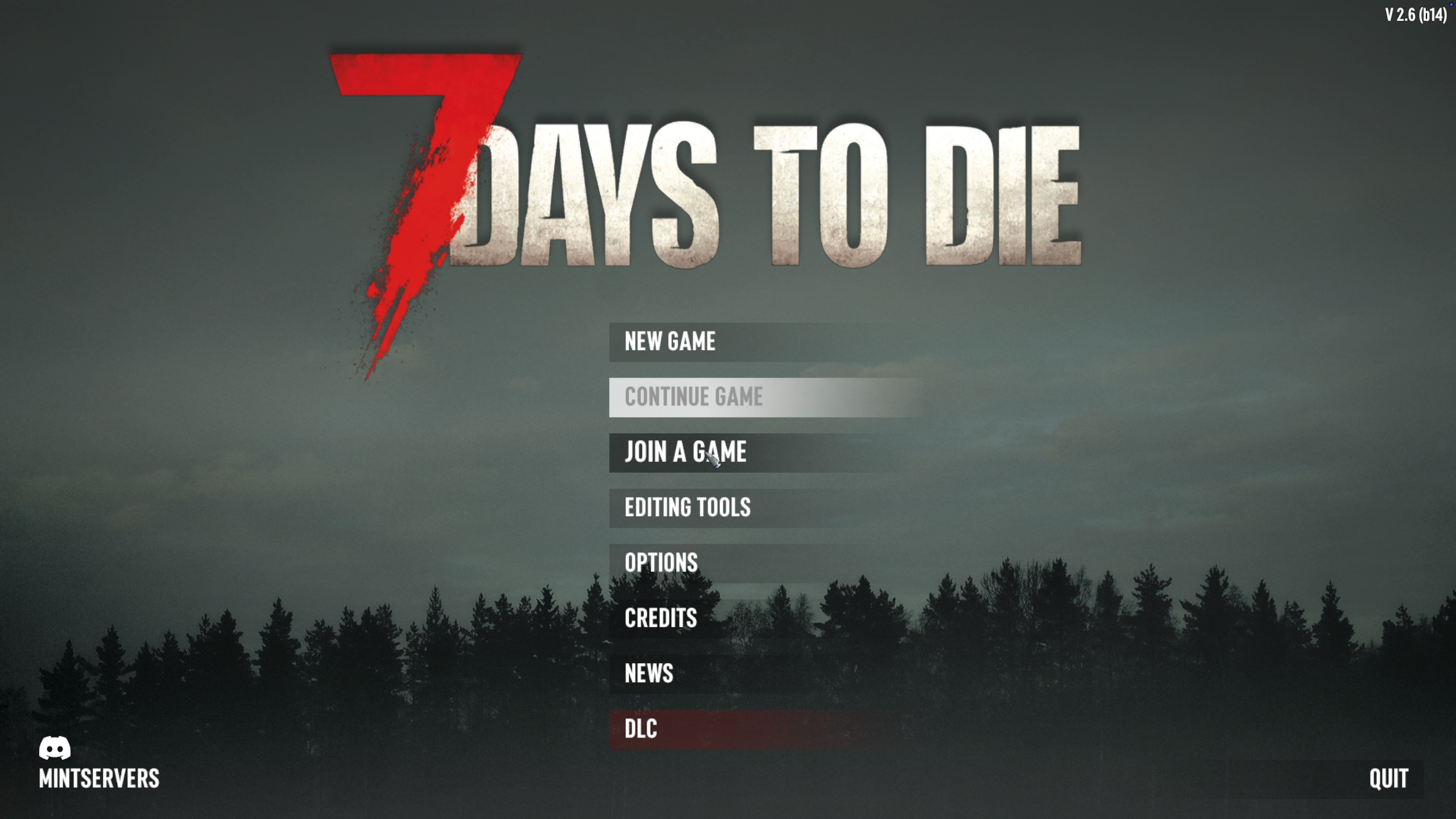
Method 1: Using The Server Name
If you want to find your server organically in the public list, you can search for it by name.
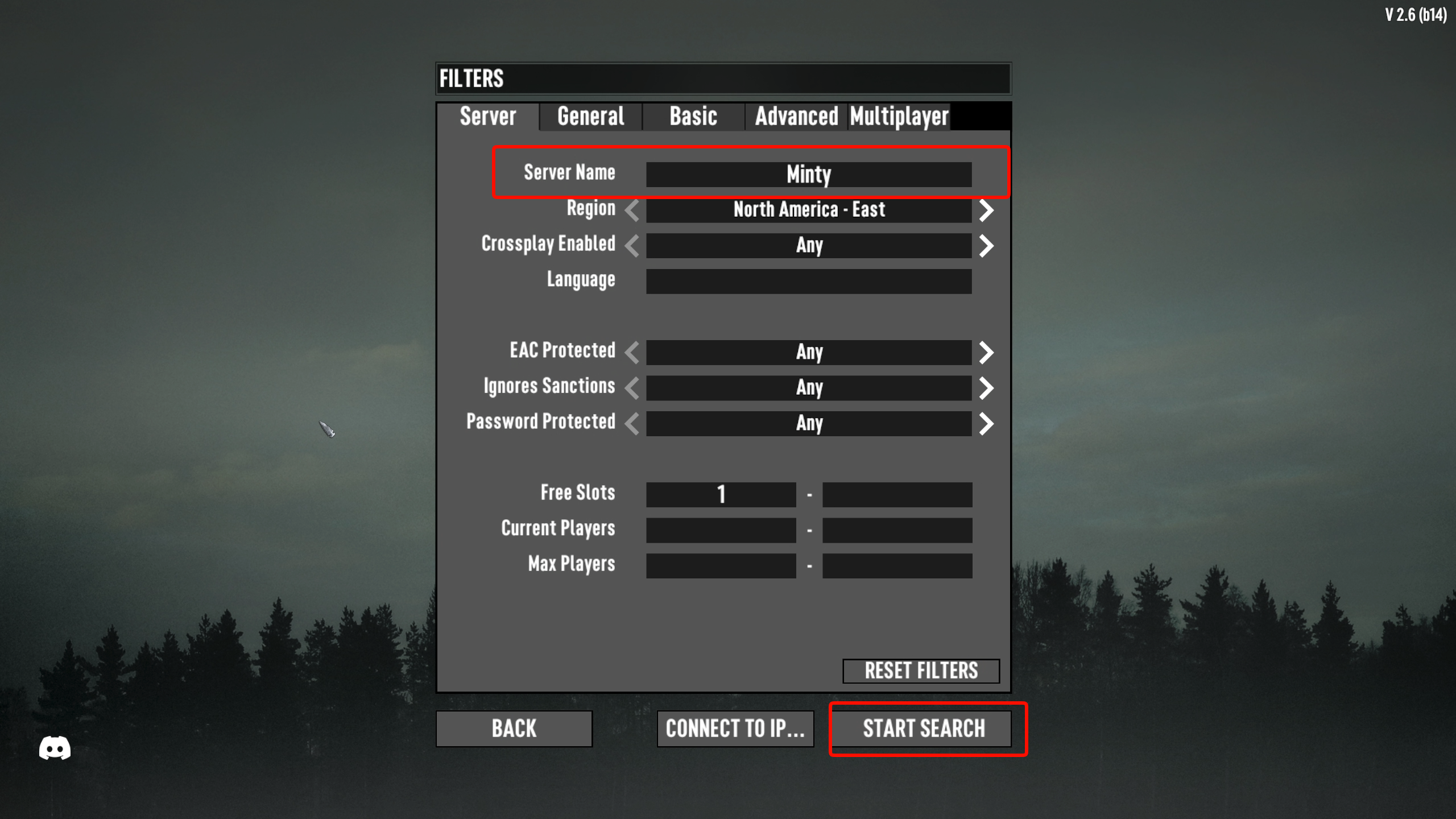
- Find your exact server name. This is the text listed under the
ServerNameproperty inside yourserverconfig.xmlfile on the panel. - In the game menu, type that exact name into the
Server Namesearch field. - Click the
Start searchbutton. - Once your server appears in the list, simply select it and click
Connect!
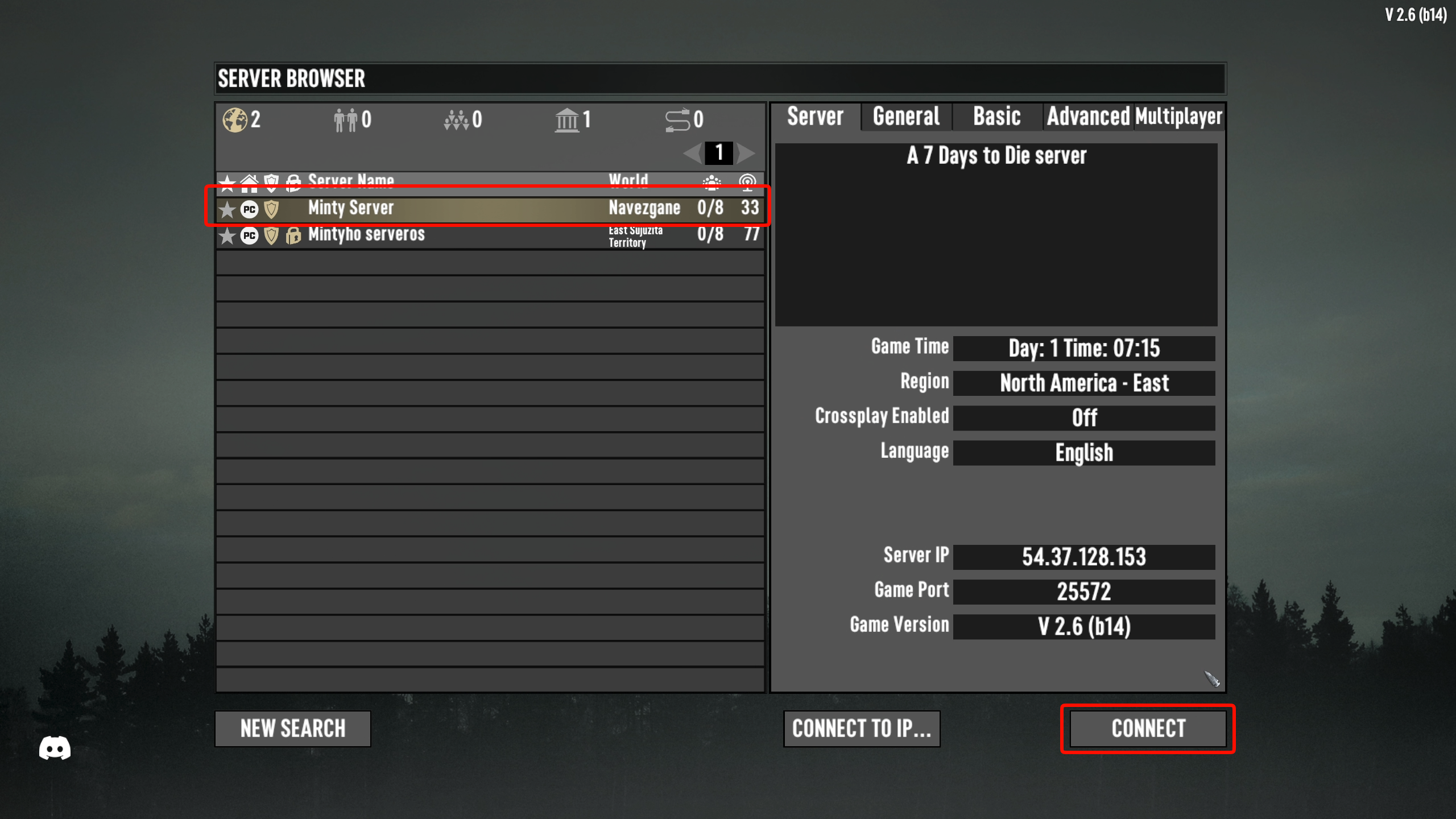

Method 2: Using The Direct IP (Recommended)
Searching the public list can sometimes take a while to refresh. The fastest and most reliable way to join is by using your direct server IP and port.
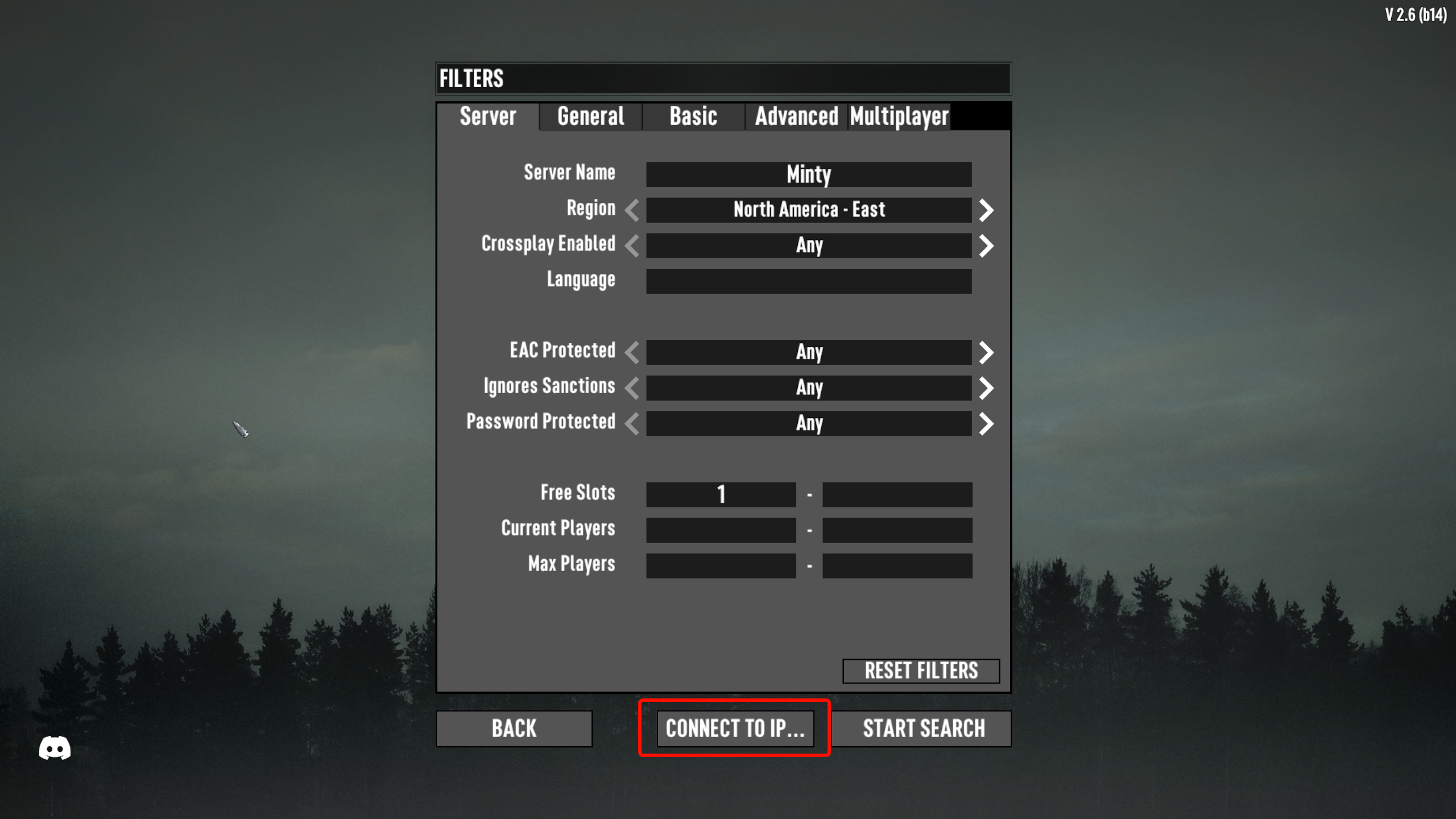
- In the server browser menu, click the
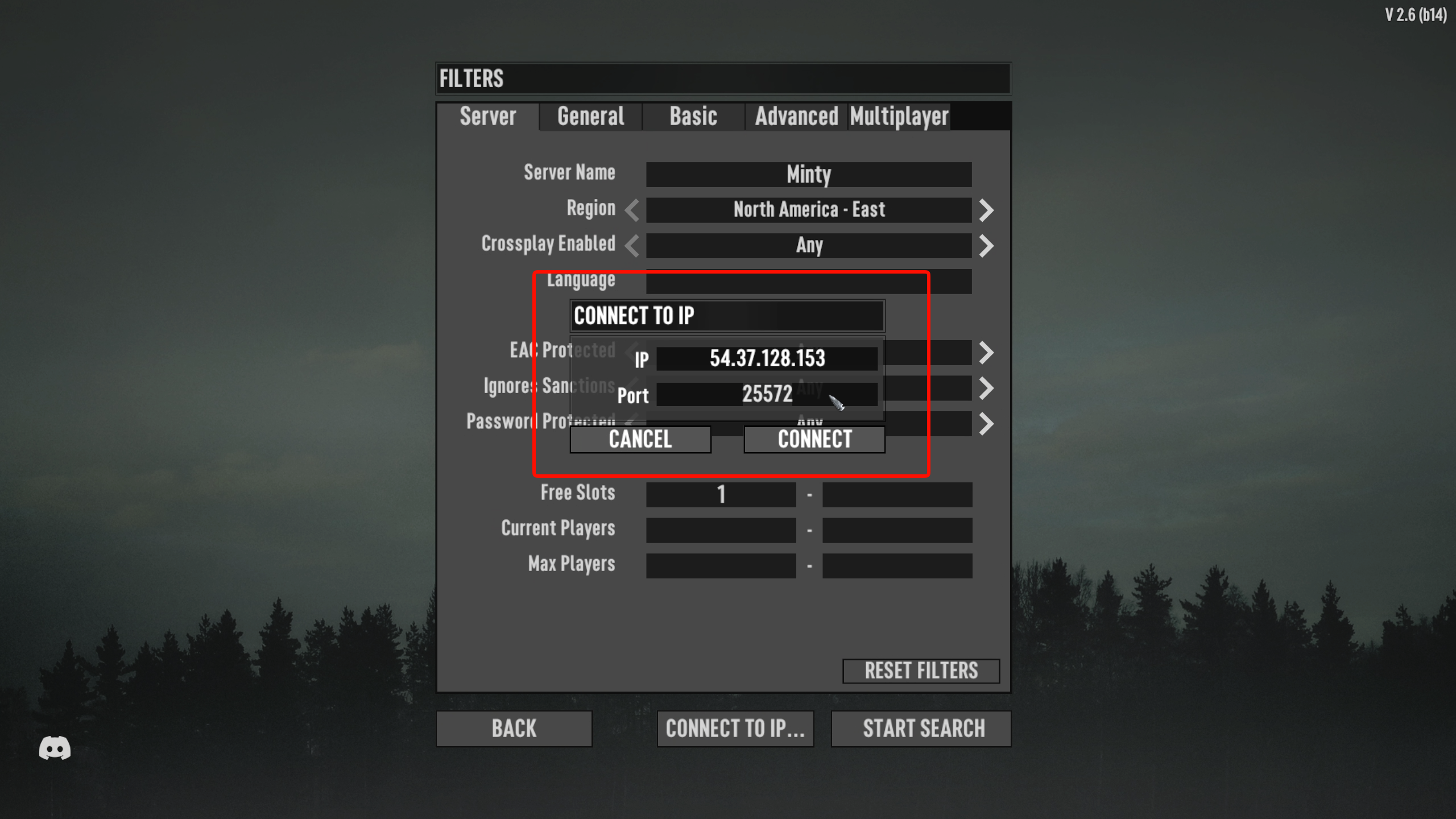
Connect to IPbutton. - A small window will appear. Fill in the
IPandPortfields with the connection details found on your MintServers dashboard. - Click
Connectto instantly join your world!
🛠️ Troubleshooting Connection Issues
Connection FailedorTimeout: Double-check that you entered the exact IP and Port combination. Also, ensure the server has fully finished booting up in the panel console before attempting to join!Version Mismatch: Your game client and the server must be running the exact same Alpha version. Check your server's version in the panel and update your local game via Steam if necessary.- Server Not in Public List: The public browser can take a while to refresh and display new servers. Use the Direct IP method to bypass the wait!