



 V Rising
Once your V Rising server is up and running, connecting to it takes just a few clicks from the main menu. You can either search for it by name in the in-game server browser or skip straight to it with Direct Connect using your server's IP and port.
Joining Through the Server Browser
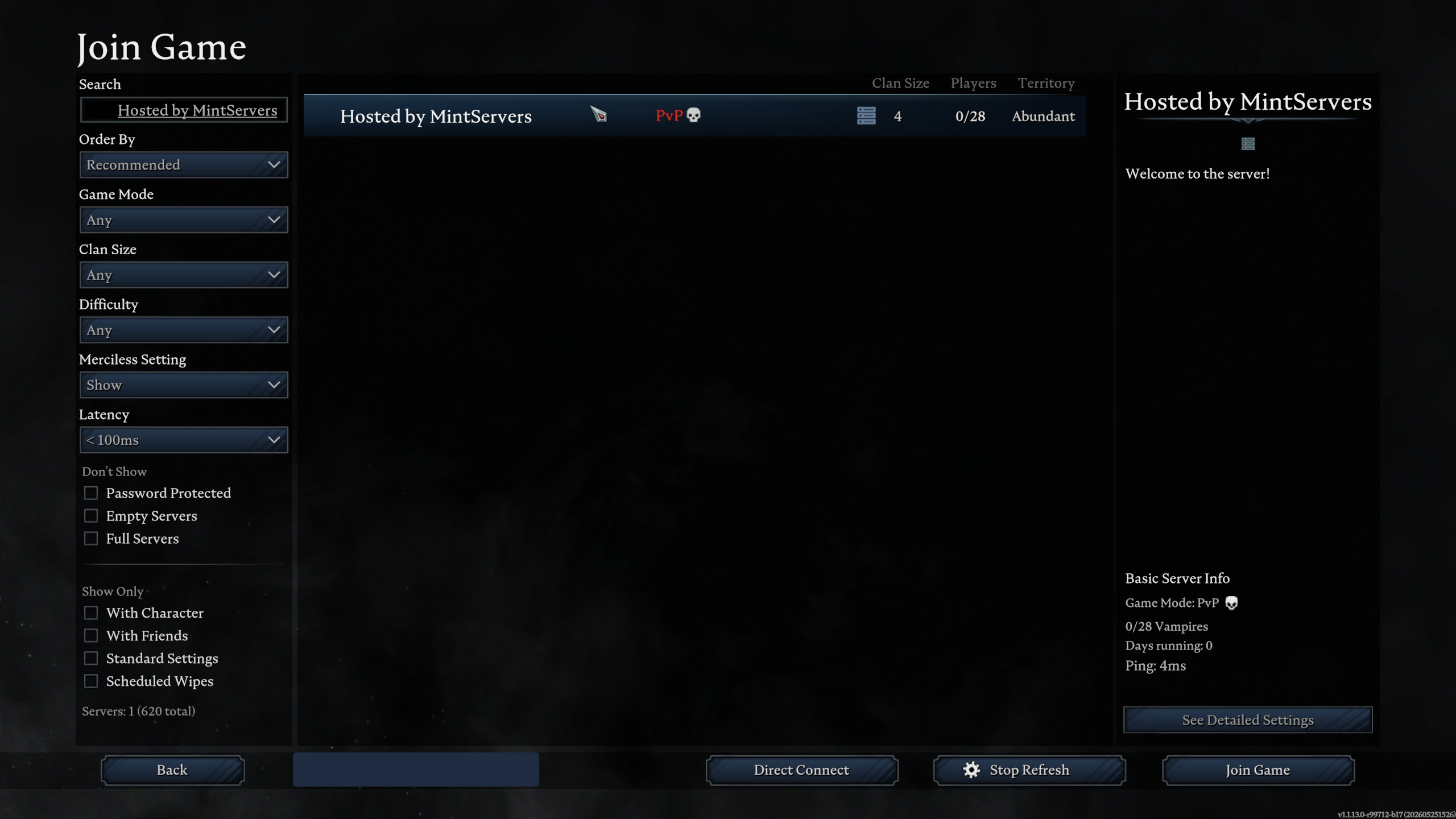
If you know your server's name, this is the easiest way to find it without needing the IP address.
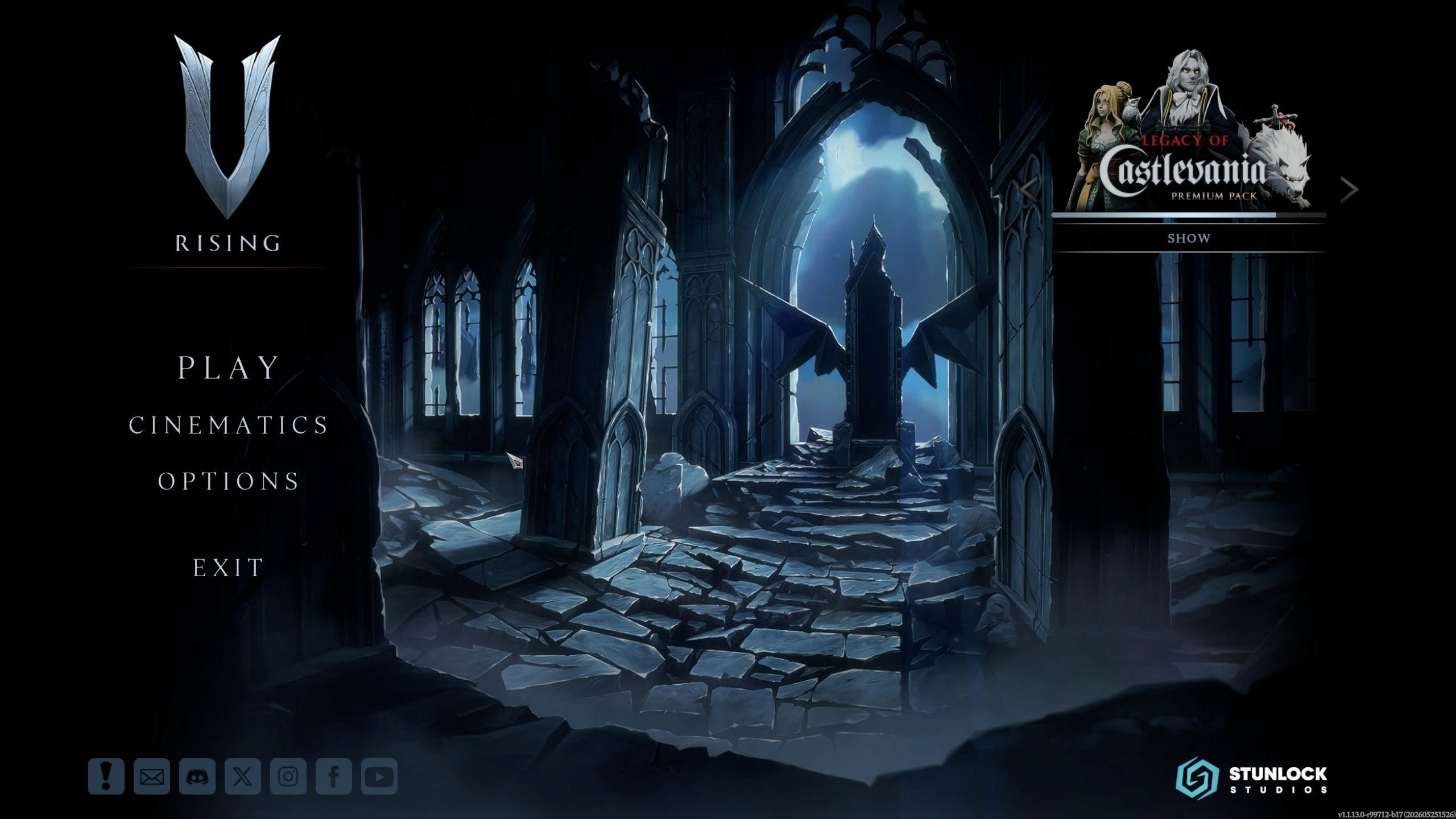
- Launch V Rising and click
Playon the main menu. - Click
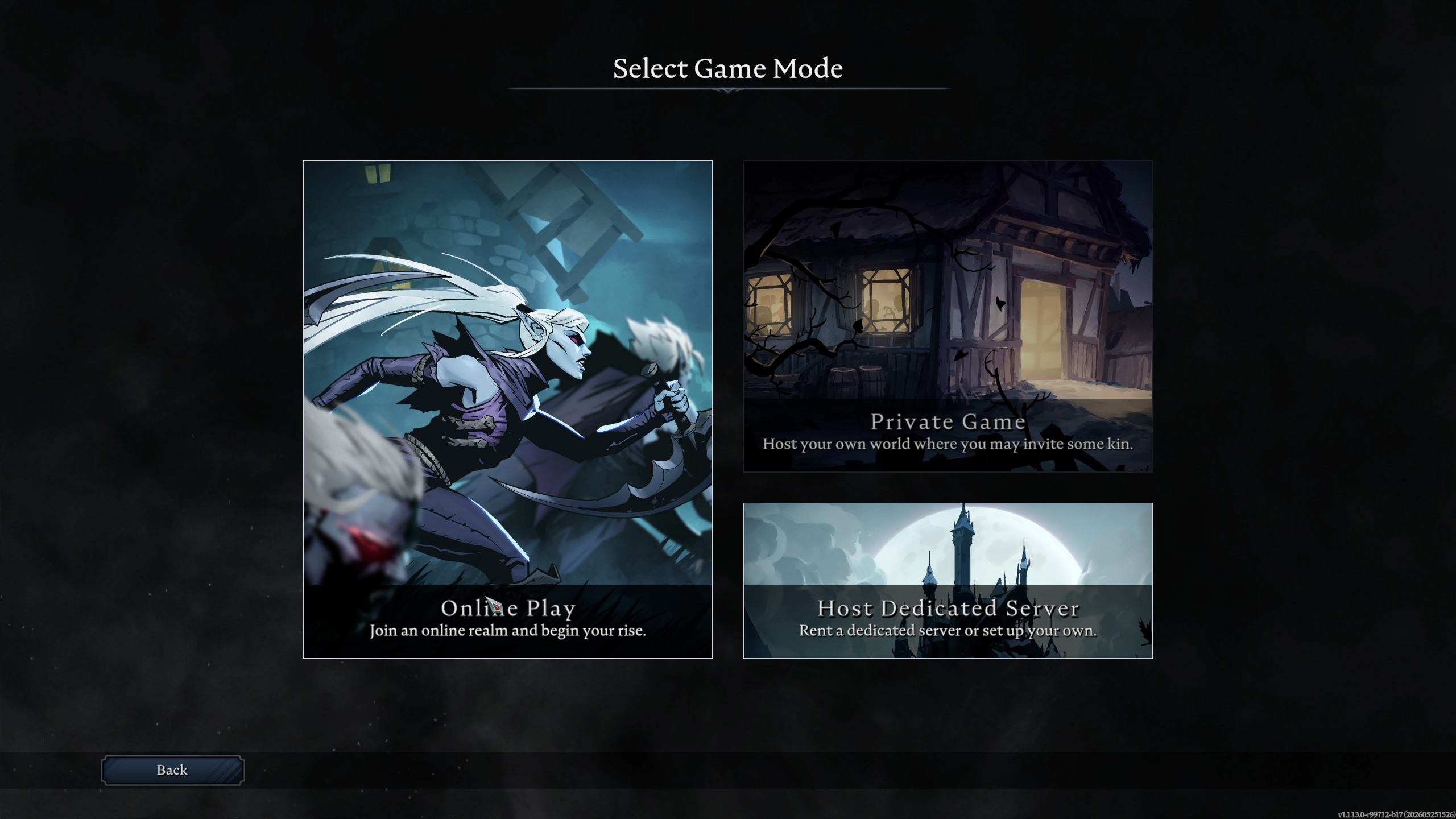
Online Play. "
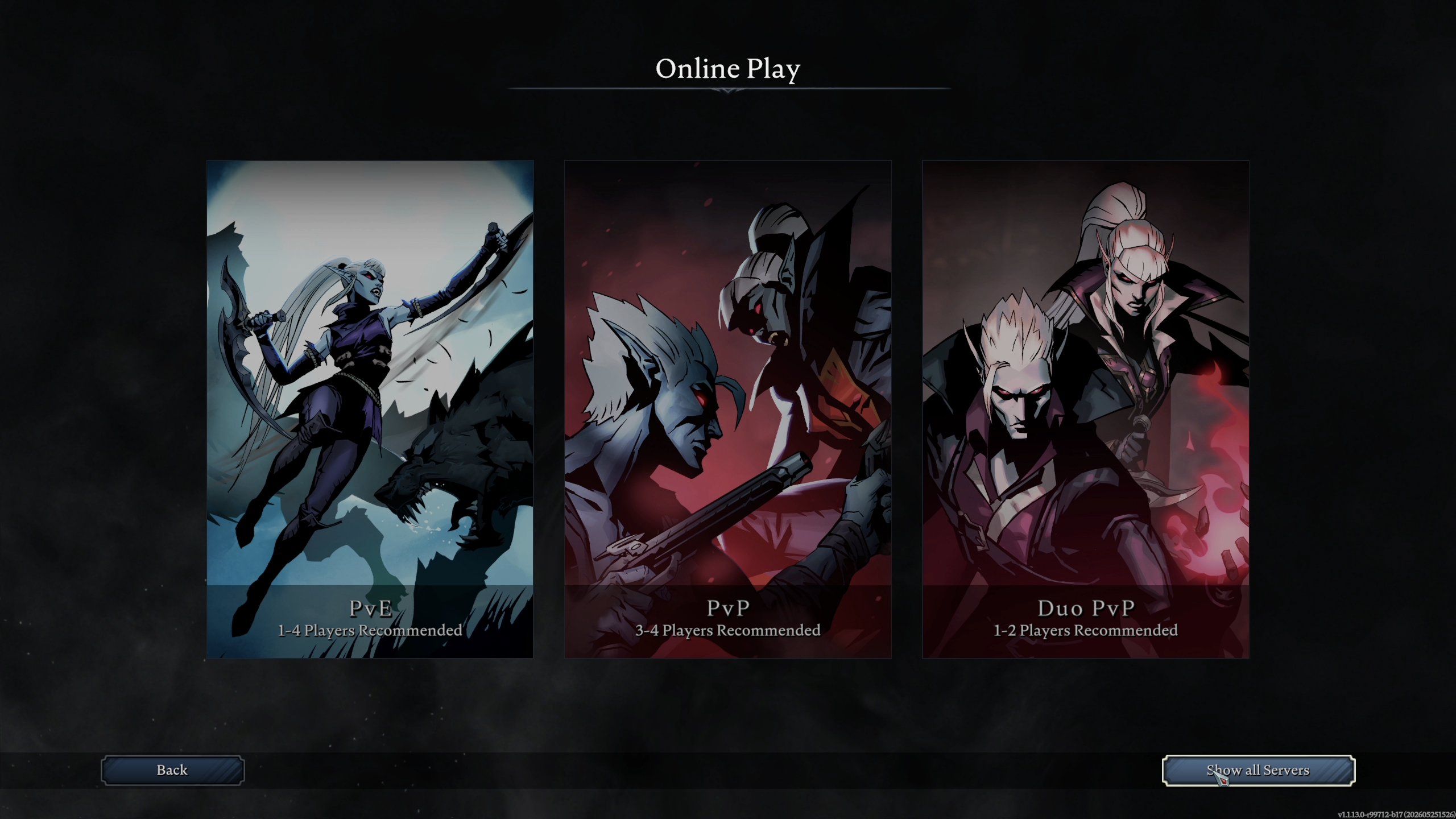
- Click
Show all Serversin the bottom-right corner. This skips the game mode filter and opens the full server list. - Type your server's name into the search bar to filter the list down.
- Select your server from the results and click
Join Game.

Joining With Direct Connect
Direct Connect is the fastest way in, especially for a brand-new server that has not appeared in the public list yet.
- Launch V Rising and click
Playon the main menu. - Click
Online Play. - Click
Show all Serversin the bottom-right corner to open the server browser. - Click the
Direct Connectbutton at the bottom of the screen. - Enter your server's IP address and port together, separated by a colon, then click
Connect.
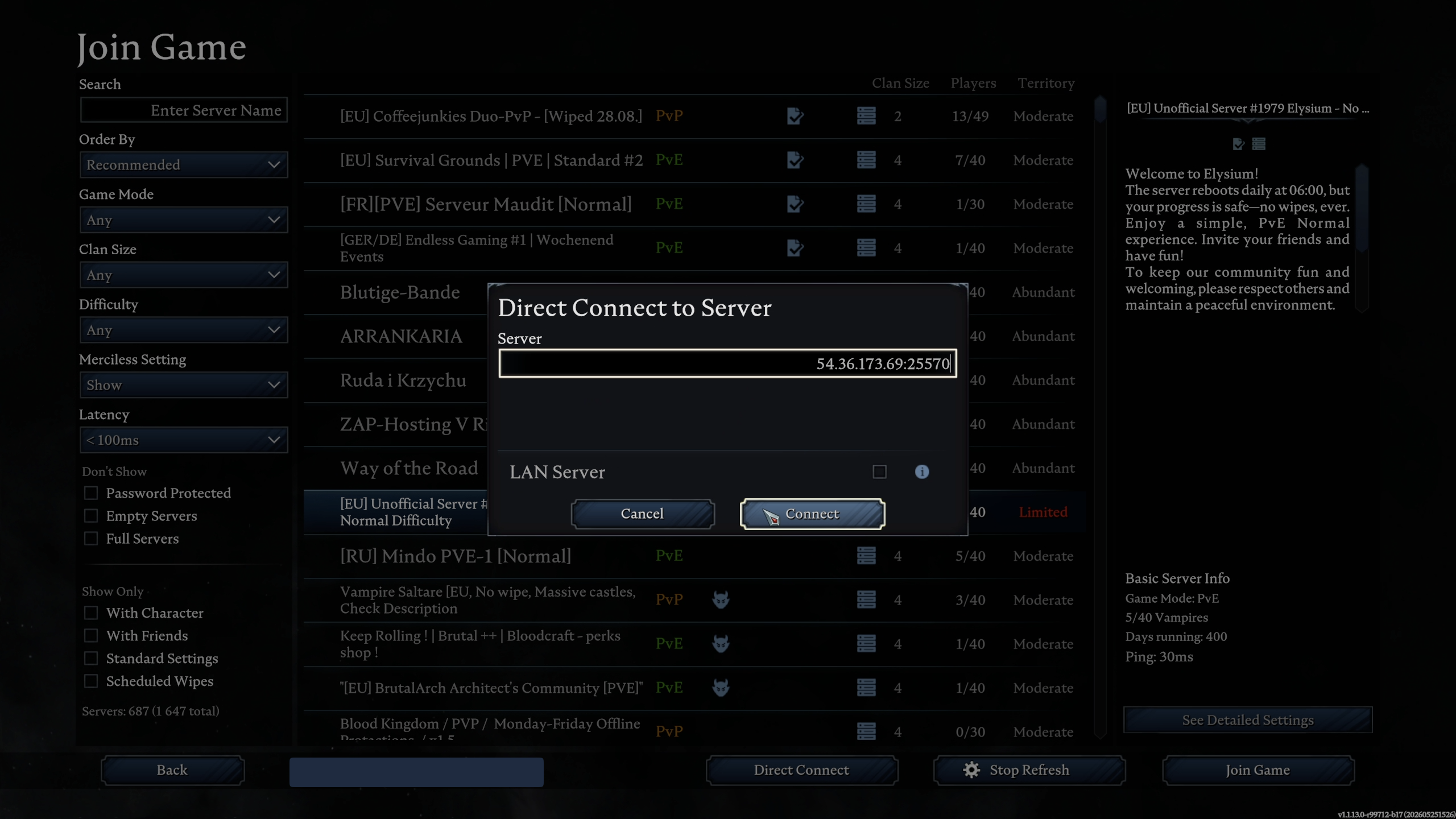
Use the game port here, not the query port. On a MintServers V Rising instance, both your server's Address and its game Port are listed on your panel.
🛠️ Troubleshooting Common Connection Issues
Timed out or failed to connect:Double-check the IP and port against your MintServers panel, and confirm the server is actually online before trying again.Server not showing up in the browser:Newly started servers can take a few minutes to appear on the public list. Use Direct Connect in the meantime instead of waiting.Not prompted for a password on a password-protected server:Make sure you selected the correct server from the search results; similarly named servers can look alike in the list.Stuck on "Connecting":This usually means the port entered does not match the server's actual game port. Re-check the port on your panel and try again.
Once you're in, you're ready to start building. If you run into any trouble connecting to your server, no worries! Just open a support ticket and our team will gladly help you get sorted out.