



 Eco
Eco
Since Eco's Update 11, every server needs to authenticate with Strange Loop Games (SLG) before it can run in Online Mode. Without this step, your server will fail to start with an authentication error and won't be visible to players.
This guide walks you through creating your free SLG account, generating a server authentication token, and adding that token to your MintServers panel.
Step 1: Create Your SLG Account
Your SLG account is separate from your Steam account, but it needs to be linked to a Steam account that owns Eco before it will work.
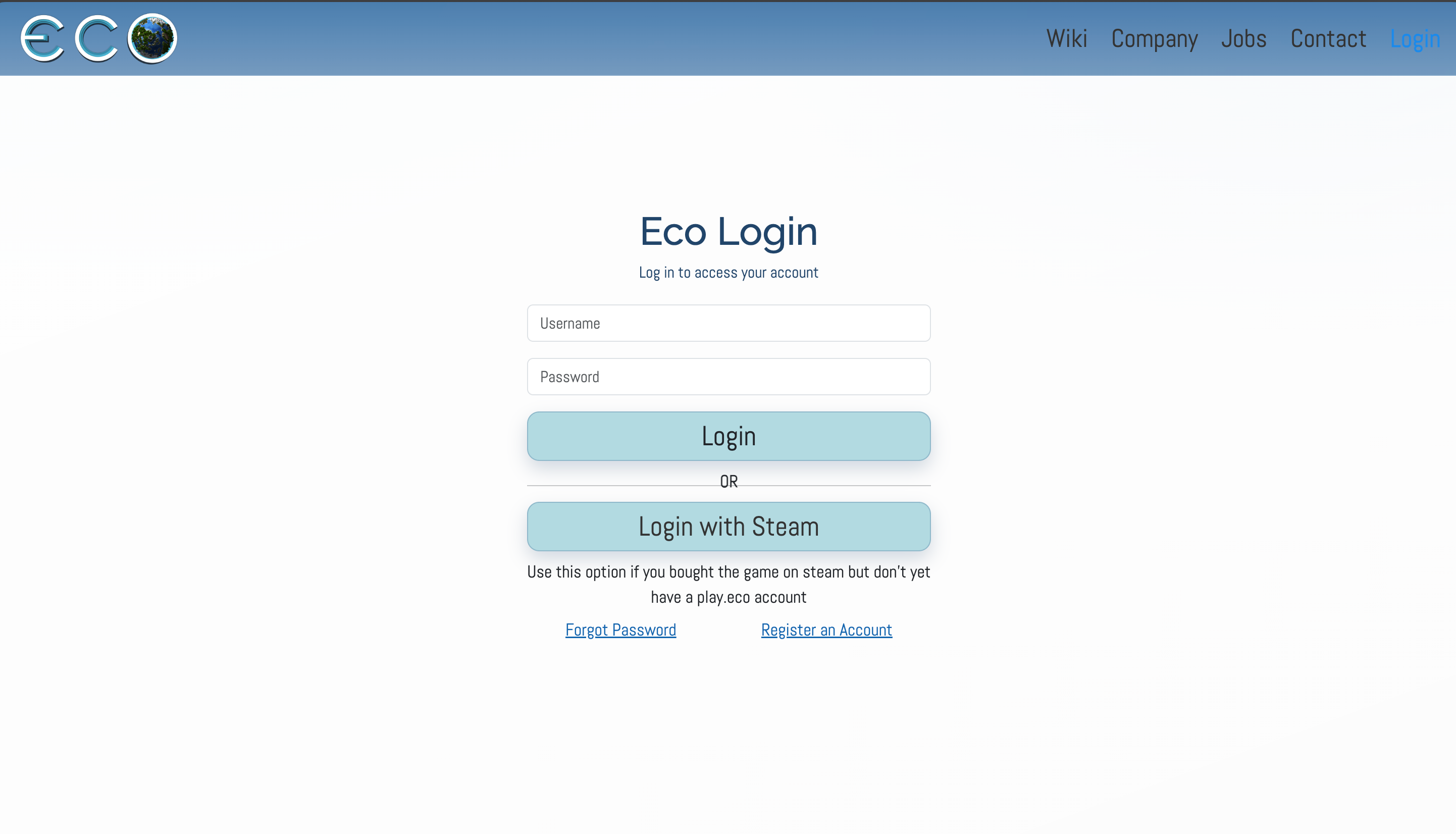
- Navigate to play.eco/login.
- Click the
Login with Steambutton. - Log in using the Steam account that owns Eco.
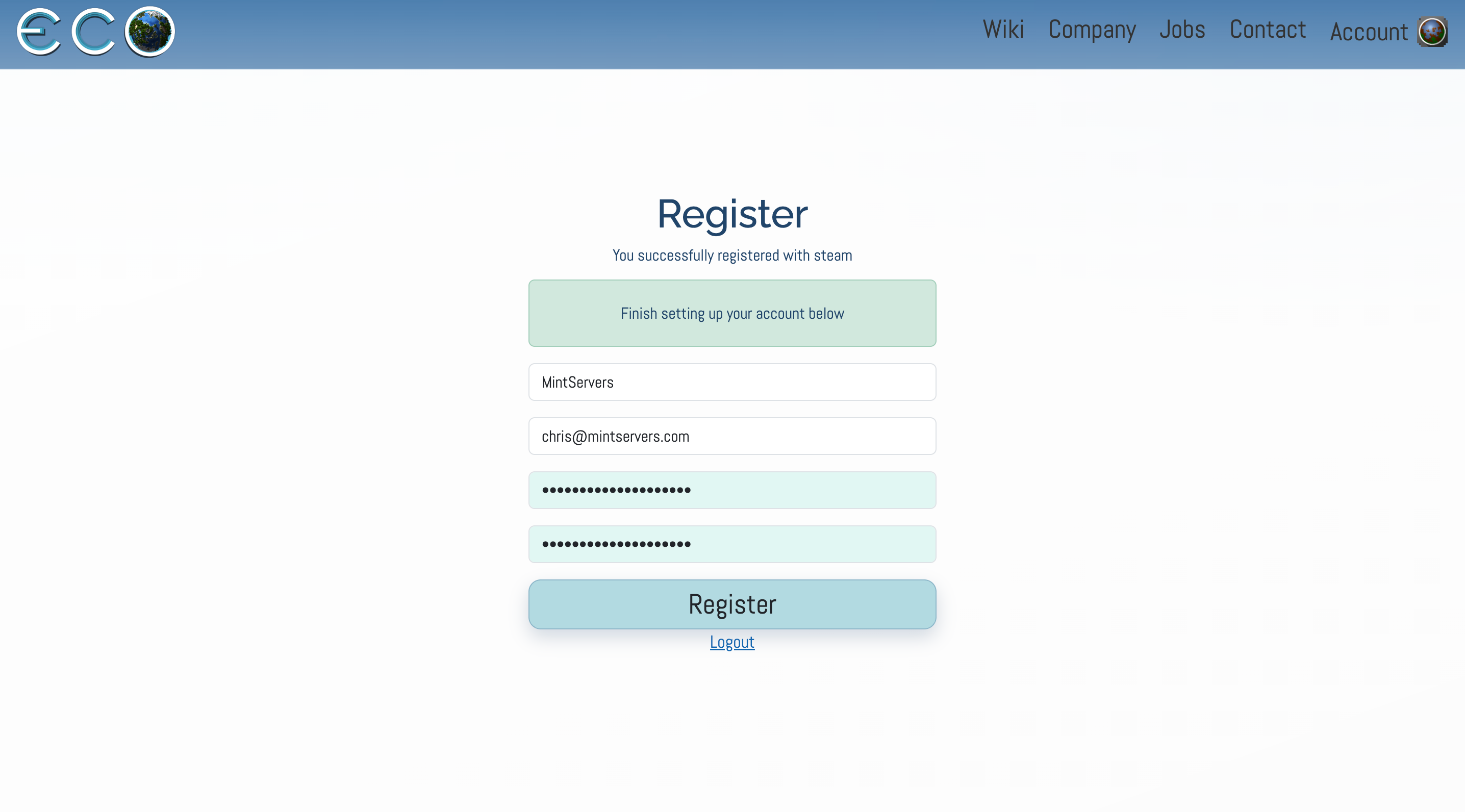
- Fill out the registration form with a username, email, and password. These do not need to match your Steam details, this is simply creating your new SLG account.

Step 2: Generate Your Server Authentication Token
With your SLG account created, you can now generate the token your server will use to authenticate.
- Log into your account at play.eco/account.
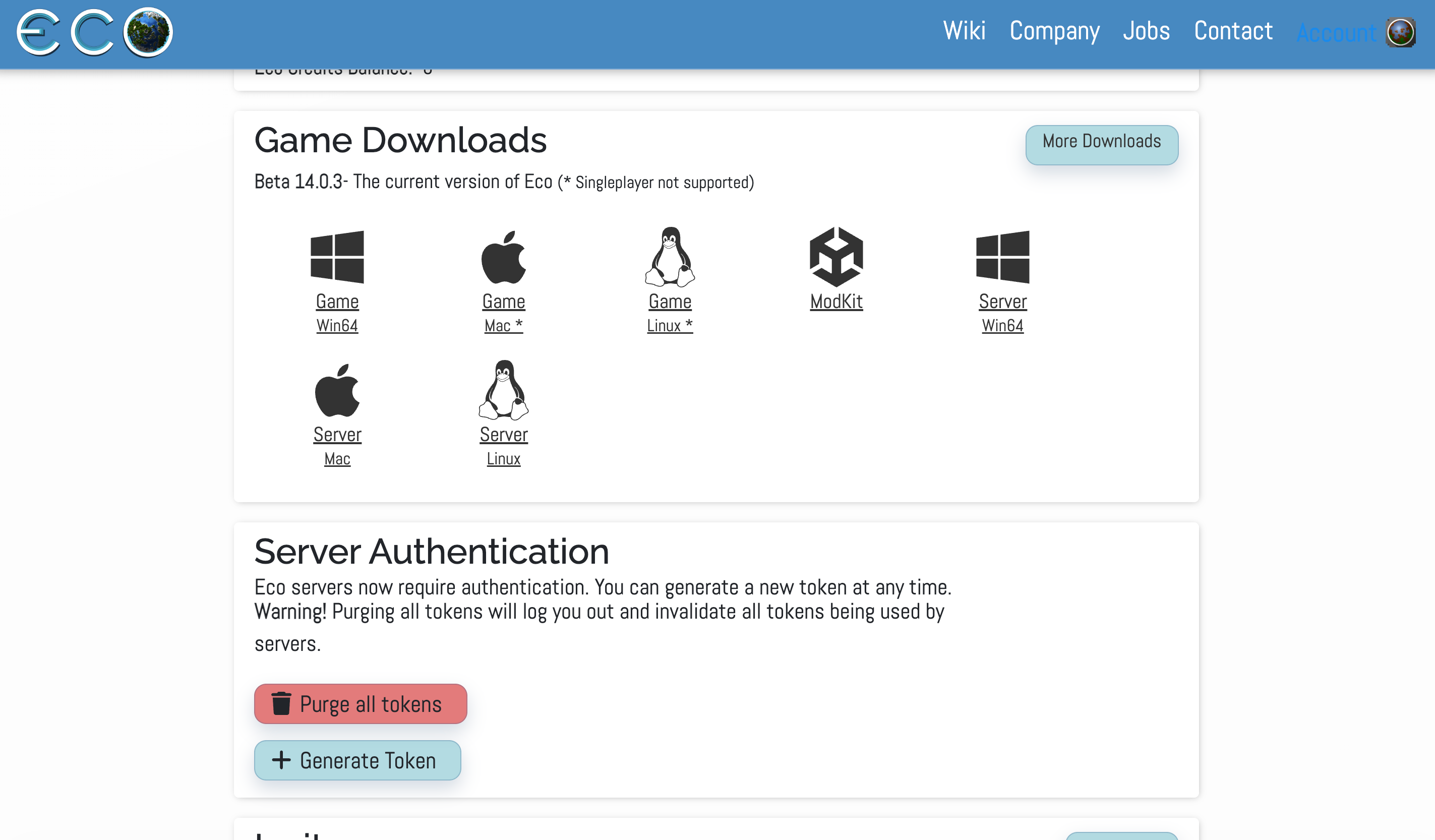
- Scroll down to the
Server Authenticationsection. - Click
Generate Token. - Copy the token that appears. You will need it in the next step.
Step 3: Add The Token To Your MintServers Panel
- Log into your MintServers panel and click Stop if your server is running.
- Navigate to the Game Settings tab on the left-hand sidebar.
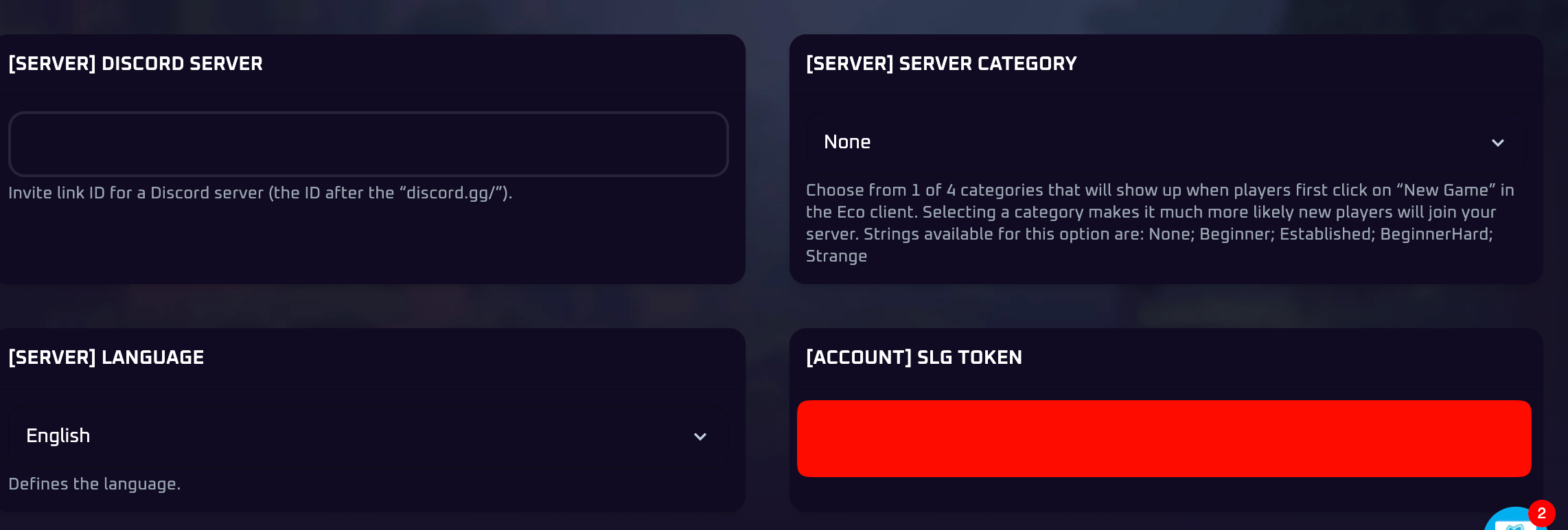
- Find the
[Account] SLG Tokenfield. - Paste your token into the field exactly as copied, without any extra spaces before or after it.
- Save your changes.
- Navigate back to the Console tab and click Start.
Once your server boots up, it will authenticate with SLG automatically and appear online in Eco's server browser.
🛠️ Troubleshooting Common Authentication Issues
Authentication to Strange Cloud failed:This means the server started without a valid token. Double-check that the token was saved in the[Account] SLG Tokenfield before starting the server.Login page not loading:Confirm you're logging in with the Steam account that directly owns Eco. Free weekend and family-shared copies do not qualify for SLG registration.Server still shows offline after restart:Re-copy the token from your SLG account page and paste it again, making sure no extra characters or spaces were picked up in the copy.Token won't paste correctly:Some tokens include dashes or underscores. If pasting seems to cut part of the token off, try typing it manually or copying it a second time from the account page.
If you run into any trouble getting your SLG account linked up, no worries! Just open a support ticket and our team will gladly jump in and get your server authenticated.